
Overview :🧧
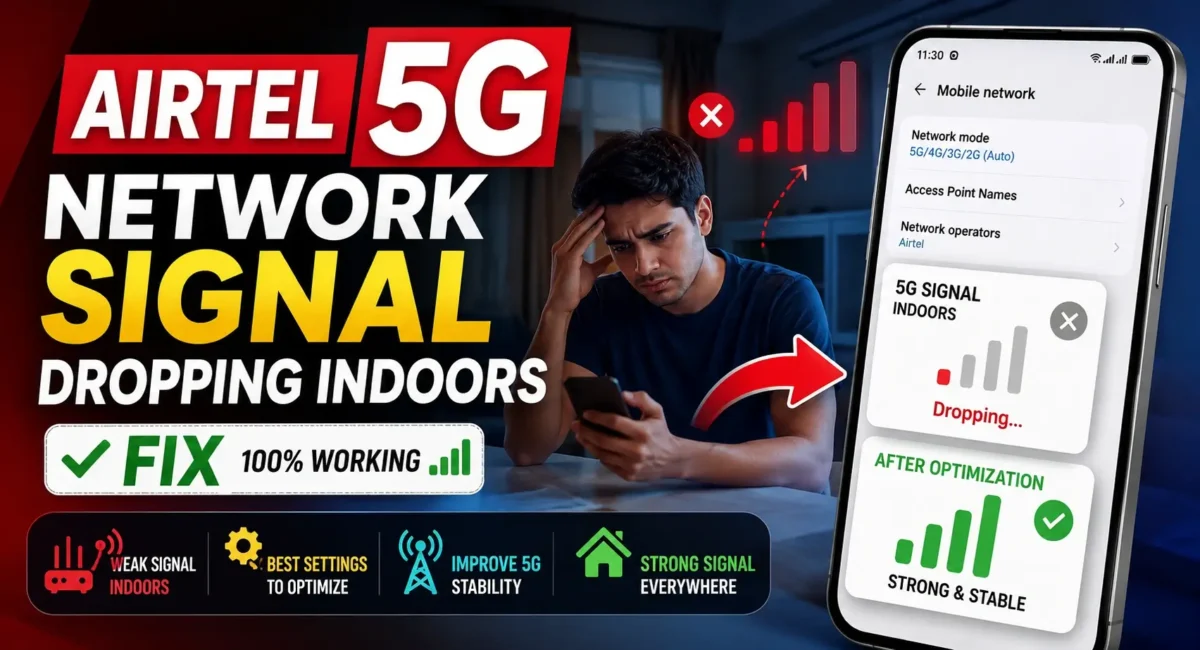
Airtel 5G Indoor Signal Dropping Fix : Does your Airtel 5G signal fall back to 4G at your home? Get to know the actual reason for poor indoor network coverage and solutions for it with the Preferred Network Type settings, Android tips and advice.
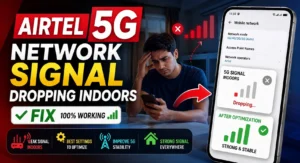
Airtel 5G Network Signal Suddenly Dropping Indoors? Here’s the Real Fix :
Airtel’s 5G coverage has grown rapidly in India, with high throughput speed, low latency, and better user experience. Yet, one irksome problem is still reported by a lot of users: 👇
The Airtel 5G signal is perfect outdoors but as soon as they go indoors it drops to 4G or they lose signal altogether.
This problem is especially common in:
- Apartments
- Office buildings
- Shopping malls
- Basement parking
- Multi-storey buildings
- Concrete houses
If you’re having this problem, don’t just assume your phone is broken. Often, the issue is with network coverage, network preferences, signal interference, or with the software settings on your phone.
In this comprehensive fix guide, we will cover why Airtel 5G signal suddenly drops while inside buildings, how to set the right Preferred Network Type, and also suggest some solutions to enhance signal stability on Android phones.
If you are looking for a new phone, then we will also tell you why reading honest mobile reviews & ratings and following a reliable smartphone buying guide in India helps you pick a phone with better network performance on ground.
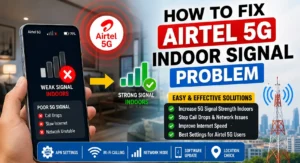
Why Does Airtel 5G Work Outside but Drop Indoors?
Unlike Wi-Fi, mobile signals must travel from a nearby cellular tower to your smartphone.
When the signal enters a building, it has to pass through:
- Thick concrete walls
- Steel reinforcement
- Glass with metallic coatings
- Elevators
- Underground parking structures
- Every obstacle weakens the signal.
Even if your phone displays full 5G outdoors, the signal may weaken significantly once you step inside.
How Airtel 5G Works :🤔
Airtel runs a Non-Standalone (NSA) 5G network, which relies on the older 4G infrastructure. This enables HFC phones to switch on the fly, between LTE and 5G based on the signal quality and network environment. This is designed behavior; the intention is to provide a consistently reliable connection as opposed to staying connected to a weak 5G signal.
Common Signs of Indoor Airtel 5G Signal Problems :😲
You may notice:
- 5G icon changes to 4G frequently
- Internet speed drops indoors
- Video buffering starts
- WhatsApp media uploads become slower
- Calls occasionally disconnect
- Network bars fluctuate continuously
- Pages take longer to load
These symptoms usually indicate that the phone is switching to a stronger LTE connection because the available 5G signal indoors is too weak.
Step 1: Check Airtel 5G Coverage in Your Area
Before changing any phone settings, confirm that Airtel 5G is available at your location.
Coverage may vary from one street to another and even between floors of the same building.
For example:
- Ground floor may receive stable 5G
- Third floor may have weaker reception
- Basement may only receive LTE
Always verify coverage using Airtel’s official coverage information before assuming there’s a problem with your phone.
Step 2: Select the Correct Preferred Network Type
One of the most effective solutions is checking your Preferred Network Type.
Go to:
- Settings → Mobile Network → SIM → Preferred Network Type
Choose:
- 5G/4G/3G/2G (Auto)
Do not select:
- 4G Only
- 3G Only
Auto mode allows the modem to intelligently select the strongest available connection.
If your phone already uses Auto mode, leave it enabled rather than trying unsupported hidden settings.
Step 3: Restart Mobile Network Registration
Sometimes the phone remains connected to a weaker tower.
A quick refresh often helps.
Steps:
1. Enable Airplane Mode.
2. Wait 30 seconds.
3. Disable Airplane Mode.
4. Wait for Airtel to reconnect.
This forces the phone to search again for the strongest nearby network.
Step 4: Disable Battery Saver
Battery optimization limits modem performance. When Battery Saver is enabled, Android may:
- Reduce background scanning
- Delay network switching
- Prioritize battery life over speed
Temporarily disable Battery Saver and compare the signal indoors.
Step 5: Keep Software Updated
Network performance often improves through software updates. Manufacturers regularly release updates that improve:
- Modem firmware
- Carrier compatibility
- Signal stability
- Power management
Go to:
- Settings → Software Update
Install the latest available version.
Step 6: Remove Thick or Metallic Phone Cases
Many premium cases contain:
- Metal plates
- Magnetic accessories
- Thick protective layers
Although the effect is usually small, poor-quality accessories can reduce signal strength.
If you’re experiencing frequent drops indoors, remove the case temporarily and compare reception.
Step 7: Dual SIM Settings Can Affect 5G
Many Indian users use:
SIM 1:
- Airtel
SIM 2:
- Jio, Vi or BSNL
Some smartphones manage dual SIM radios differently.
If network switching appears unstable:
- Temporarily disable the secondary SIM.
- Test Airtel 5G for several hours.
If stability improves, the second SIM may be affecting modem behavior.
Step 8: Reset Network Settings
If you’ve changed multiple settings over time, resetting the network configuration can help.
Go to:
- Settings → System → Reset Options
Select:
- Reset Wi-Fi, Mobile Network & Bluetooth
This does not erase:
- Photos
- Videos
- Apps
- Contacts
It only restores network settings to their default state.
Step 9: Understand Why Phones Switch to 4G
Many users think staying on 5G all the time is ideal. In reality, modern smartphones constantly evaluate:
- Signal strength
- Stability
- Battery consumption
- Tower congestion
If LTE provides a better experience than a weak indoor 5G signal, Android automatically switches to 4G. This is normal behavior not necessarily a defect.
Should You Force 5G Only Mode?
Some online videos recommend forcing 5G Only mode. While this may work on certain devices, it isn’t recommended for most users because:
- Calls may fail if VoNR isn’t available.
- Weak 5G signals may become unusable.
- Battery consumption can increase.
- Some manufacturers disable this option entirely.
For daily use, 5G Auto remains the safest setting.
Why Building Materials Affect Airtel 5G :
Indoor signal quality depends heavily on construction. Signal loss increases when the phone is surrounded by:
- Reinforced concrete
- Brick walls
- Steel structures
- Tinted glass
- Lift shafts
This is why two people using identical phones may experience different signal strengths in different rooms.
Wi-Fi Calling Can Improve Indoor Call Quality :📞
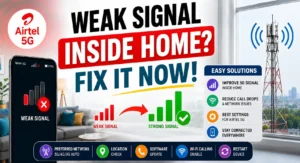
If mobile signal is weak indoors but your broadband connection is strong, enable Wi-Fi Calling (VoWiFi).
Go to:
- Settings → SIM → Wi-Fi Calling
Enable the feature if your phone and Airtel plan support it. This allows voice calls to route through Wi-Fi while mobile data continues using the available cellular connection.
Does Your Smartphone Support Airtel’s 5G Bands?
Not every 5G phone supports every Indian frequency band.
Before buying a new device, verify:
- Indian 5G band support
- Carrier certification
- Software update commitment
- Modem quality
This is one reason a proper smartphone buying guide India is more useful than simply comparing camera megapixels or charging speed.
Honest Mobile Reviews and Ratings Matter More Than Advertisements :⭐
Many advertisements focus on:
- Fast charging
- AI features
- Camera numbers
However, they rarely discuss:
- Indoor network reception
- Call quality
- Antenna performance
- Long-term modem stability
Reading honest mobile reviews and ratings from trusted reviewers helps you understand how a phone performs in real-world Indian network conditions.
Look for reviews that include:
- Signal stability tests
- Indoor reception
- 5G consistency
- Battery drain on 5G
- Call performance
These are much more valuable than synthetic benchmark scores.
Smartphone Buying Guide in India: Network Performance Checklist
When choosing your next phone, don’t focus only on the processor. A practical smartphone buying guide in India should include:
Support for Indian 5G Bands
- Ensure compatibility with the bands used by major Indian operators.
Reliable Software Updates
- Regular firmware updates often improve modem performance.
Good Antenna Design
- Premium antenna placement helps maintain stronger reception indoors.
Efficient Battery Management
- Phones that manage power efficiently often deliver more stable network performance.
Strong User Feedback
- Check honest mobile reviews and ratings to see whether users report frequent signal drops, heating, or call issues.
Myths About Airtel 5G Indoor Problems :⚠
Myth 1: My SIM Card Is Damaged
- Not always.
Most indoor signal issues are related to coverage rather than SIM failure.
Myth 2: More Signal Bars Always Mean Faster Internet
- Not necessarily. Network congestion can affect speed even with strong signal bars.
Myth 3: Expensive Phones Never Lose Signal
- False. Even flagship smartphones switch to LTE when 5G coverage becomes weak.
Myth 4: Installing Booster Apps Improves Signal
- No. Android apps cannot increase your phone’s antenna strength or tower coverage.
Quick Troubleshooting Checklist :📋
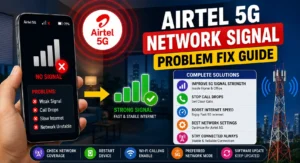
If Airtel 5G keeps dropping indoors, try these steps in order: 👇
- Confirm Airtel 5G coverage in your location
- Set Preferred Network Type to 5G/4G/3G/2G (Auto)
- Restart network registration using Airplane Mode
- Disable Battery Saver
- Install the latest software updates
- Remove bulky or magnetic phone cases
- Test with the secondary SIM disabled
- Reset network settings if necessary
Enable Wi-Fi Calling for better indoor voice quality.
Final Verdict :🙌
The source of this problem is usually weak indoor coverage, building interference, automatic network switching, or incorrect network settings and not a faulty smartphone if your Airtel 5G network signal suddenly drops indoors.
Start with the simple fixes:
- Use the correct Preferred Network Type
- Refresh the network connection
- Keep your phone updated
- Enable Wi-Fi Calling where available
And if you do buy a new phone, don’t just trust advertising. Follow a trusted smartphone buying guide in India and compare Honest Mobile Reviews and Ratings to know how a device performs under daily Indian conditions most importantly How it works on day to day 5G connectivity, call quality, and network stability indoors.
🔗
📌”Airtel.in — Official 5G Network Page”👈

hello!,I really like your writing so so much! percentage we keep in touch extra about your article
on AOL? I need a specialist in this space to solve my
problem. Maybe that’s you! Looking forward to look you.
Thanks, We Appriciate..
Hi, Neat post. There’s a problem along with your web site in internet explorer, would
test this? IE still is the market chief and a large section of people will
pass over your wonderful writing due to this problem.