
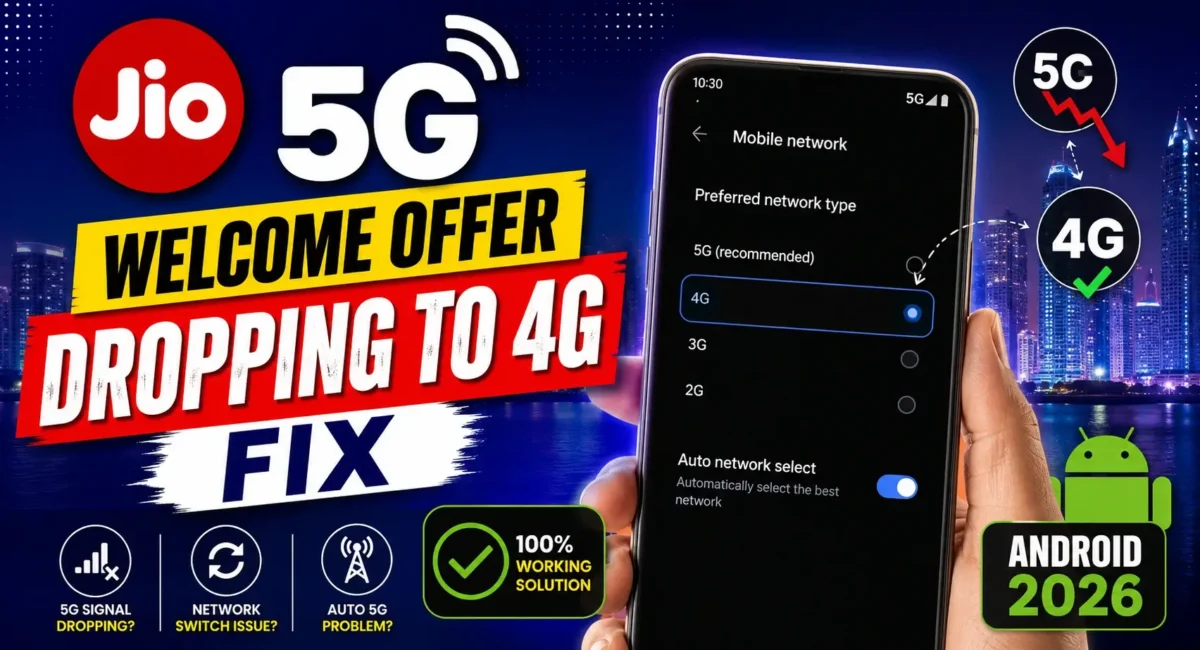
Jio 5G Dropping to 4G : Have you ever come across your phone with 5G one moment, then it suddenly went back to showing 4G when you are on the browsing, streaming, or downloading?
This is one among the top issues reported by Jio users in India. Even if your phone is 5G-capable and you’re on a plan that supports 5G, the network will still often fall back to LTE (4G). Many users assume something is wrong with their smartphone, when really the problem can be:
- Weak 5G signal strength
- Network coverage
- Automatic network switching
- SIM settings
- Software optimization
- Supported 5G bands
In this post, we will tell you why Jio 5g is Downgrading to 4g, Can Network BandLock help? And also with what 4g band Locking Software is Currently Available on Android.
For a thorough understanding of 5G band support and why it matters, read on and if you are into smartphone buying guide India or value honest mobile reviews and ratings before buying a new phone, knowing about 5g band support is one of the top things to check.
Why Does Jio 5G Switch Back to 4G?
Jio is on a Standalone (SA) 5G network but your phone could be toggling between 5G and 4G based on network condition and signal strength. This behavior is to keep the connection stable and save the battery.
Common reasons include:
- Weak indoor 5G coverage
- Moving between towers
- Battery optimization
- Smart network switching
- Software bugs
- Unsupported 5G bands
Check If Your Area Has Jio True 5G Coverage :📡
Before changing any settings, confirm that your location has Jio True 5G coverage. You can check coverage using the official Jio coverage map. Coverage may vary even within the same city, especially inside buildings or basements.
Make Sure Your Recharge Plan Supports Jio 5G :
Not every prepaid plan automatically includes unlimited 5G. Depending on your current recharge validity, Jio may require an eligible plan or add-on to activate True 5G benefits.
If your plan isn’t eligible, your phone may continue using 4G band lock fix even in a 5G-covered area.
Enable 5G in Android Settings :
Go to:
- Settings → Mobile Network → Preferred Network Type
Select:
- 5G/4G/3G/2G (Auto)
Different brands may display slightly different names.
Examples: 👇
Samsung
- Settings → Connections → Mobile Networks → Network Mode
OnePlus
- Settings → Mobile Network → SIM → Preferred Network Type
Xiaomi / Redmi / POCO
- Settings → SIM Cards & Mobile Networks → Preferred Network Type
Vivo / iQOO / OPPO / Realme
- Settings → Mobile Network → Preferred Network Type
Disable Smart 5G (If Available) :
Some Android skins include features such as:
- Smart 5G
- Intelligent Network Switching
- Adaptive Connectivity
- These automatically switch to 4G to save battery.
If you want a stronger preference for 5G, disabling these options may help in areas with consistent coverage.
What Is Network Band Locking?
Network band locking forces your phone to prioritize a specific network technology or frequency band instead of constantly switching between available networks.
It is commonly used by advanced users to:
- Improve connection stability
- Reduce frequent switching
- Test network performance
However, not every Android phone allows manual band locking, and some manufacturers disable these controls.
Is Band Locking Safe?
Generally, yes but only if your phone officially supports it.
Improper changes may result in:
- No signal
- Failed calls
- Poor connectivity
If you’re unfamiliar with advanced network settings, it’s safer to use the default network mode.
Can You Force 5G Only Mode?
Some Android phones provide hidden testing menus or engineering settings that allow users to select NR (5G) Only mode. However:
- It doesn’t work on every device.
- Many manufacturers block the option.
- It may prevent calls or reduce connectivity if 5G coverage is weak.
For everyday users, 5G Auto is usually the better choice.
Restart Network Services :
Sometimes your phone simply needs a fresh network registration.
Try: 👇
1. Turn Airplane Mode ON for 30 seconds.
2. Turn it OFF.
3. Wait for the network to reconnect.
This often restores 5G if the issue was temporary.
Reset Network Settings :
If switching between 4G and 5G continues after updates or SIM changes:
Go to:
- Settings → System → Reset Options
Choose:
- Reset Wi-Fi, Mobile Network & Bluetooth
This resets:
- Mobile network settings
- Wi-Fi
- Bluetooth
It will not delete photos or apps.
Update Carrier Settings and Software :
Phone manufacturers regularly release updates that improve:
- Network compatibility
- 5G stability
- Modem firmware
Check:
- Settings → Software Update
Install any available updates before trying advanced troubleshooting.
Does Your Phone Support the Right 5G Bands?
One of the biggest reasons for unstable 5G is limited band support. For Jio in India, support for n78 is especially important for high-speed coverage, while n28 helps with wider coverage and better indoor reception.
If you’re planning to upgrade, this is where a good smartphone buying guide India becomes valuable. Instead of looking only at the processor or camera, verify that the device supports the required Indian 5G bands.
Battery Saver Can Affect 5G :🔋
Battery-saving modes often reduce modem performance.
If Battery Saver is enabled:
- 5G may disconnect more frequently.
- The phone may prioritize LTE to reduce power consumption.
Temporarily disable Battery Saver and test your connection again.
Does Using Two SIM Cards Affect 5G?
Yes, on some smartphones. If:
- Jio is your data SIM
- Another SIM is set for calls
The phone may switch networks more often depending on hardware limitations. Try temporarily disabling the secondary SIM to see if stability improves.
When Band Locking Won’t Help :
Band locking cannot solve:
- Weak tower coverage
- Tower congestion
- Network maintenance
- Hardware antenna problems
If 5G coverage itself is weak, forcing a band may actually make the connection worse.
Best Practices for Stable Jio 5G :
Follow these tips: 👇
- Use the latest software version.
- Keep your SIM updated.
- Enable 5G Auto mode.
- Avoid unnecessary battery restrictions.
- Stay in good signal areas when downloading large files.
Check Jio coverage before assuming the phone is faulty.
Smartphone Buying Guide India: Why 5G Bands Matter
Many buyers focus only on:
- Camera megapixels
- RAM
- Charging speed
But a proper smartphone buying guide India should also include:
- Supported 5G bands
- Software update policy
- Modem quality
- Carrier compatibility
Ignoring these factors can lead to poor network performance even on expensive phones.
Honest Mobile Reviews and Ratings: What You Should Look For
Before purchasing your next smartphone, don’t rely only on marketing specifications. Read honest mobile reviews and ratings that evaluate:
- Real-world network performance
- 5G stability
- Battery life
- Call quality
- Software optimization
- Long-term reliability
These factors often matter more than benchmark scores.
Final Verdict :🙌
If Jio 5G frequently drops to 4G, the issue is usually related to network coverage, software settings, or signal quality not necessarily a faulty smartphone. Instead of immediately forcing network bands, first:
1. Confirm Jio True 5G coverage.
2. Verify your recharge plan is eligible.
3. Enable 5G Auto mode.
4. Update your phone.
5. Reset network settings if necessary.
Finally, whenever you’re shopping for a new device, follow a reliable smartphone buying guide India and compare honest mobile reviews and ratings to ensure the phone supports India’s major 5G bands and delivers consistent real-world performance.
🔗
📌”Jio.com — Official Link”👈

My brother suggested I might like this blog. He was once totally right.
This submit actually made my day. You cann’t imagine simply how much time I had
spent for this information! Thank you!
I Appriciate, Thanks.