
Introduction :🧧
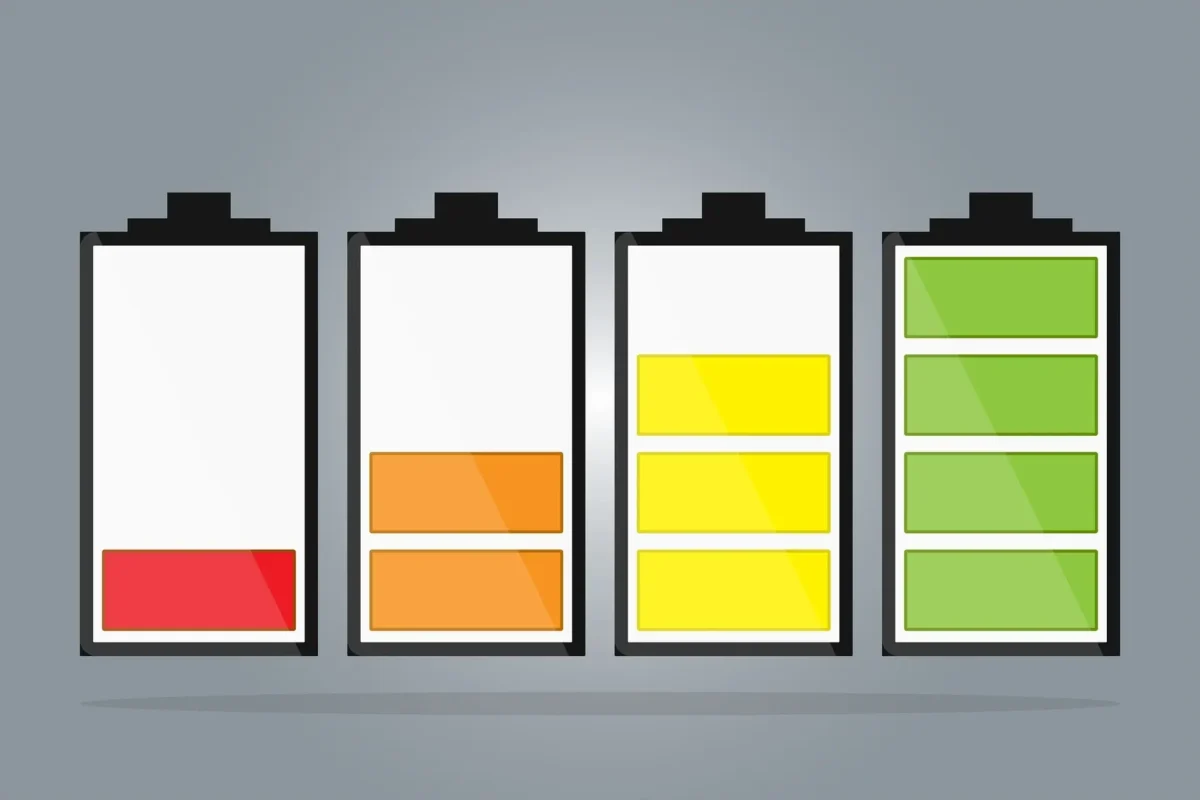
Realme P4 Pro Battery Drain Issue : Realme P4 Pro ko launch ke waqt ek balanced performance smartphone ke roop me present kiya gaya tha, jisme fast charging, optimized battery management aur all-day backup ka promise diya gaya tha.
Starting ke dino me phone waise hi behave karta bhi hai—smooth charging speed, stable battery drain aur ek full day ka reliable backup😀. Lekin kuch mahine use karne ke baad users ko ek noticeable problem face hone lagti hai—battery drain, heating, slow charging, overnight drain aur sudden percentage drop.😲
Jab phone new hota hai tab ye issues nahi hote, lekin time ke saath battery performance clearly weak hoti dikhne lagti hai. Is blog me hum detail me samjhenge ki Realme P4 Pro ki battery problem kaise start hoti hai, daily usage me kaise disturb karti hai, aur user ise kaise fix kar sakta hai.😀
📌[Also Read] — “Realme P4 Pro 5G Honest Review“🔥 ⇒ “Realme P3 Pro Sudden Charging Drop Fix“🔋

🤔Battery Problem Kaise Start Hota Hai?
Realme P4 Pro me battery issue hamesha dheere-dheere develop hota hai. Pehle battery thodi fast drain hoti hai, phir screen-on-time kam hota hai, aur phir phone full charge ke bawajood half day me khatam ho jata hai.
Users ko initially lagta hai ye normal wear & tear hai, lekin actual me kaafi hidden factors battery ko early deteriorate karte rehte hain—background apps, high refresh rate, 5G signals, heat exposure aur heavy multitasking.
Jab ye choti-choti cheeze milkar ek point par pahunchti hain, tab battery noticeable tareeke se weak feel hone lagti hai.
📌[Must Read] — “Realme 15x Charging issue Fix“🔋
Fast Battery Drain – Most Common Issue :🙄
Realme P4 Pro users ka sabse common problem fast battery drain hai. Kabhi Instagram, WhatsApp, YouTube jaise light apps bhi battery ko abnormal speed se drain kar dete hain. Kabhi SOT (screen-on-time) 6–7 hours se directly 4–4.5 hours par aa jata hai. Ye drain mostly in situations me hota hai :
- High brightness par phone chalane se.
- 5G signals fluctuating hone se.
- Background apps active hone se.
- Device warm hone ke baad.
- Recent software update ke baad.
Is stage par phone normal use me bhi heavy lagne lagta hai, kyunki battery performance stability lose kar deti hai.
😲Overheating – Battery Health Ka Sabse Bada Dushman :
Heat Realme P4 Pro ki battery problem ka main villain hai. Jab phone thoda bhi heat hota hai, battery drain 2x fast ho jati hai. Gaming, video recording, charging + usage ek saath, ya direct sunlight me phone use karne par device temperature jump hota hai.
Heat se battery ke lithium cells weaken hote hain, jisse long-term health drop hoti hai. Users ko lagta hai battery kaput ho gayi, lekin actual me overheating hi core issue hota hai.
📌[Don’t Miss] — “Realme P4 Pro Display Problem Fix“📱 ⇒ “Realme P4 Pro Overheating Solution“🔥
Slow Charging – Battery Health + Heat Ka Mixed Effect :🔋
Kai users complain karte hain ki unka Realme P4 Pro pehle fast charge hota tha, lekin ab charging speed noticeably slow ho gayi hai. 50W/65W charger use karne ke bawajood phone fast charge nahi karta. Ye situation tab hoti hai jab:
- Device slightly warm ho
- Charging port dust/loose ho\
- Battery health degrade ho rahi ho
- Background apps charging ke waqt active ho
Heat ke time Realme system fast charging ko automatic limit kar deta hai, jisse charging time bada ho jata hai.

Sudden Battery Percentage Drop – Calibration Issue :😨
Realme P4 Pro me ek aur common issue hai sudden battery drop. For example, phone 18% pe hota hai aur 2 minutes me 12% ho jata hai. Ye battery calibration mismatch hota hai, jisme phone actual percentage aur displayed percentage ko properly calculate nahi kar pata. Ye issue mostly old updates ya battery wear me hota hai.
Overnight Battery Drain – Background Activity Ka Nateeja :⚡
Users often notice karte hain ki phone raat me idle hone ke bawajood 5%–12% tak battery drop ho jata hai. Ye drain background apps, syncing, network scanning aur AOD (Always-On Display) ki wajah se hota hai. Jab phone overnight network search karta rehta hai, battery silent mode me bhi drain hoti rehti hai.
🔥Solutions for Realme P4 Pro Battery Problems :
Realme P4 Pro ke battery issues kaafi frustrating lagte hain, lekin inka solution mostly simple hota hai.
Sabse pehle, phone ko unnecessarily heat hone se bachana zaroori hai—gaming ke baad instantly charge mat karo, charging ke waqt phone use avoid karo, aur direct sunlight me phone mat chalayo.
Background battery drain fix karne ke liye unnecessary apps ki background activity disable karna kaafi effective hota hai. 5G ko always-on rakhne se battery rapid drain hoti hai, isliye normal usage me 4G prefer karna best rehta hai.
Charging slow ho raha ho to device ko 5 minute cool hone do, phir charging speed normal ho jati hai. Battery percentage mismatch fix karne ke liye monthly calibration helpful hoti hai—phone ko 0–5% tak drain hone do, phir 100% tak continuous charge karo.
Overnight drain fix karne ke liye WiFi, Bluetooth, Location aur AOD off rakhna (agar unnecessary ho) kaafi effective result deta hai. Latest software update install karna bhi important hai, kyunki Realme battery optimization frequently improve karta rehta hai.
📌[Don’t Miss] — “Realme P4 Pro 5G vs Realme 15 5G Shocking Comparison“⚡
Final Conclusion :🙌
Realme P4 Pro ek strong performance device hai, lekin battery issues time ke saath user experience ko disturb kar dete hain. Fast drain, heating, slow charging, overnight drop aur calibration problems common ho gaye hain, lekin achhi baat ye hai ki inme se maximum issues user chaho to easily fix ho sakte hain.
Thoda smart usage, proper charging habits, heat control aur background optimization battery ko fir se stable aur long-lasting bana deta hai. Agar battery health bahut zyada degrade ho chuki ho, to replacement hi long-term reliable solution hota hai.
Overall, Realme P4 Pro tab best feel hota hai jab user battery care lightly follow kare—aur tab phone fir se purani stability de deta hai.
🔗
📌”Realme ke is model ki aur jaankari ke liye Realme P4 Pro 5G pe Click Krein”👈
Last Updated: February 2026
“FAQ/s — Saawal Apke – Jaawab Hamare”😀
1 Q. Realme P4 Pro fast battery drain ka main reason kya hai?
Ans. Realme P4 Pro me fast battery drain mostly high refresh rate, background apps, 5G signal drop, heating aur software bug ki wajah se hota hai.
2 Q. Realme P4 Pro ki battery itni jaldi kyun girti hai?
Ans. Realme P4 Pro ki battery jaldi girti hai jab CPU load high ho, brightness full ho, ya apps background me continuously chal rahi ho.
3 Q. Realme P4 Pro fast battery drain ka quick fix kya hai?
Ans. Realme P4 Pro me fast drain fix karne ke liye refresh rate 60/90Hz karo, background apps band karo, battery optimization on rakho, aur latest update install kuro.
4 Q. Kya Realme P4 Pro ka battery drain issue software update se fix ho sakta hai?
Ans. Ji haan, Realme P4 Pro ka battery drain issue agar software bug ki wajah se ho to OTA update se easily fix ho jata hai.
5 Q. Realme P4 Pro ka battery health kaise check karein aur long-term drain kaise avoid karein?
Ans. Realme P4 Pro me battery usage settings me jaa kar screen-on time aur app consumption check karein. Long-term drain avoid karne ke liye overheating se bachayein, original charger use karein, aur battery ko 20–80% range me maintain karna better hota hai.
