
Introduction :🧧
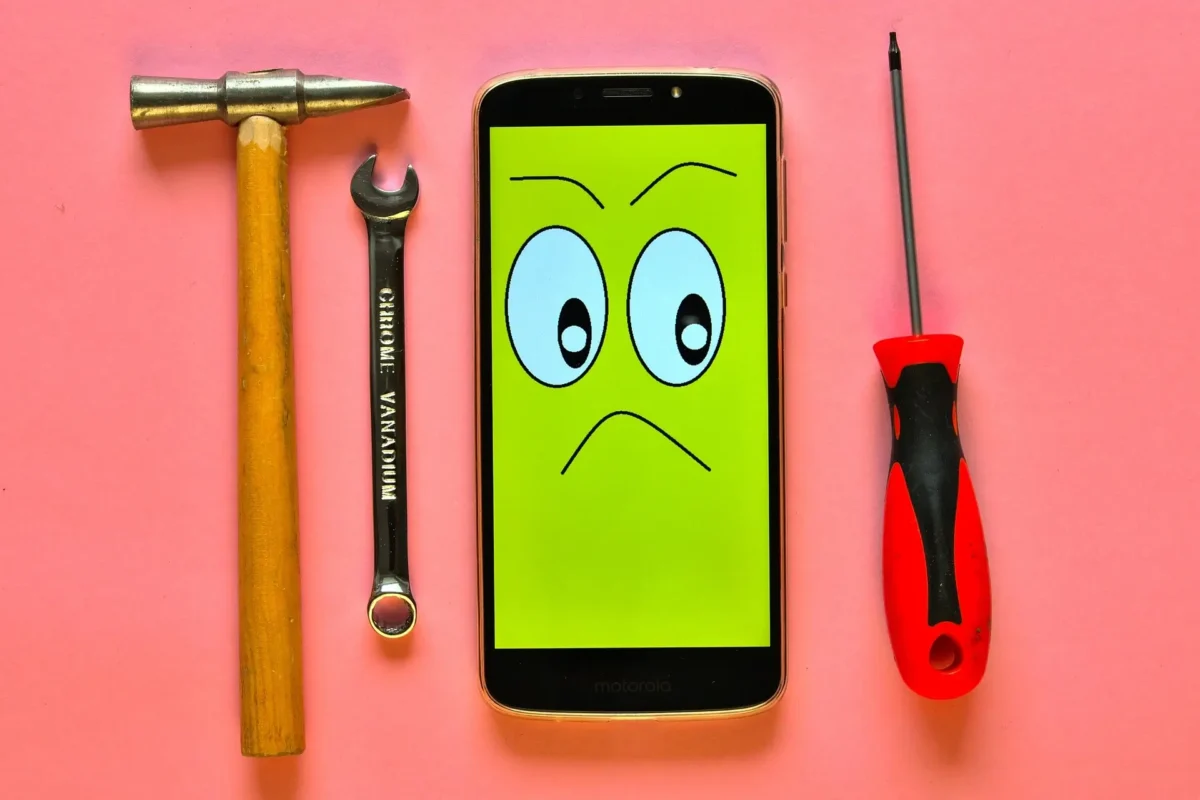
Realme P4 Pro Display Problem : Realme P4 Pro ko ek premium mid-range smartphone ki tarah design kiya gaya hai, jisme AMOLED display, high refresh rate aur vibrant colors ka promise diya gaya. Shuruaati dino me ye screen bilkul flagship-level smooth aur responsive feel hoti hai.😀
Lekin kuch mahine use karne ke baad users ko ek common problem notice hone lagti hai—display flickering, touch delay, brightness jump, color shift aur greenish tint.😲
Jab phone new hota hai, ye issues bilkul nahi hote, lekin time ke saath display performance weak hona shuru ho jata hai. Ye blog isi journey ko describe karta hai—kaise problem start hota hai, daily usage me kaise disturb karta hai, aur user iss situation ko kaise handle kar sakta hai.😄
📌[Also Read] — “Realme P4 Pro 5G Honest Review“🔥

🤔Display Problem Kaise Start Hota Hai?
Realme P4 Pro me display issues hamesha sudden nahi aate. Pehle screen thodi weird behavior karne lagti hai—kabhi low brightness par halka green tint dikhta hai, kabhi auto brightness unusual tareeke se react karta hai, aur kabhi screen smooth scroll nahi karti.
Shuruaat me ye small glitches hote hain, jise users temporary bug samajh kar ignore kar dete hain. Lekin dheere-dheere ye minor screen behaviors noticeable problems me convert ho jaate hain. Especially jab device overheating ho, battery low ho, ya software update unstable ho, tab display apna best performance nahi deta.
Green Tint Issue – AMOLED Ka Common Problem :🙄
Realme P4 Pro me sabse common display issue green tint ka hota hai. Ye mostly low brightness (5% – 30%) par hota hai, jahan AMOLED panel apni color uniformity maintain nahi kar pata. Dim light, dark wallpapers aur dark mode me ye tint aur zyada visible hota hai. Users ko black areas halki green shade me dikhayi deti hai, especially jab room dark ho. Ye issue generally hardware-level hota hai, lekin kabhi-kabhi software color calibration ise aur worsen kar deta hai. Time ke saath tint zyada noticeable ho sakti hai, jab panel slightly degrade hota hai.
Screen Flickering – Brightness & Heat Ka Effect :📱
Flickering Realme P4 Pro ka doosra famous display issue hai. Scrolling ke waqt jagged sa flicker, brightness ka blink hona, ya screen ka thoda sa pulse karna users ko irritating lagta hai. Ye flickering mostly hota hai:
- Jab phone warm ya overheated ho
- Jab auto brightness aggressively light sense kar rahi ho
- Jab screen very low brightness par ho
- Ya device power-saving mode me ho
Heat aur AMOLED dono ek dusre ke opposite behave karte hain—jaise hi temperature badhta hai, panel unstable ho jata hai.
📌[Don’t Miss] — “Realme P4 Pro 5G vs Realme 15 5G Shocking Comparison“⚡
Touch Response Delay – Heavy Usage Ka Side Effect :😲
Kai users ne report kiya hai ki Realme P4 Pro heavy apps ya gaming ke kuch time baad touch slow ho jata hai. Screen swipes instantly register nahi karte, taps delay karte hain, aur gaming me input lag noticeable ho jata hai. Ye issue screen digitizer ke heat exposure se hota hai.
Jab device warm hota hai, digitizer ka sensitivity temporarily drop ho jata hai, jiski wajah se screen slow respond karti hai. User ko lagta hai phone lag kar raha hai, lekin actual problem display se related hoti hai.
Brightness Fluctuation – Auto Sensor Ki Glitching :🕵️♂️
Brightness fluctuation Realme P4 Pro me kaafi log face karte hain. Kabhi phone achanak dim ho jata hai even bright surroundings me, aur kabhi ekdum se full brightness ho jati hai. Light sensor ke inconsistent reading + software tone mapping ke karan ye jumps hote hain.
Ye issue mostly low light me zyada noticeable hota hai, jahan display rapidly adjust karta rehta hai.
Color Shift & Burn-in Marks – Long-Term Usage Problem :⚡
Agar Realme P4 Pro heavy usage (YouTube, Instagram Reels, Gaming) ke sath continuously use ho, to long-term me burn-in ya color shift appear ho sakta hai. Static UI elements jaise navigation bar icons, keyboard outlines, aur status icons screen par faint marks chod dete hain. Ye AMOLED ka natural behaviour hai, lekin P4 Pro me heavy brightness usage se ye thoda early visible ho sakta hai.

Solutions for Realme P4 Pro Display Problems :🔥
Realme P4 Pro ke display issues kaafi annoying lagte hain, lekin inme se 70% problems simple optimizations se improve ho sakte hain.
Green tint ko avoid karne ke liye low brightness use minimize karna helpful hota hai—30% se neeche panel unstable behave karta hai. Flickering ko reduce karne ke liye auto brightness off rakhna ya manual brightness set karna best rehta hai.
Agar phone heated ho, to 3–5 minutes ka cooling give karna screen stability ko instantly improve karta hai. Touch delay issue mostly heat-triggered hota hai, isliye gaming ke baad phone ko cool down hone dena zaroori hota hai. Realme ka software update display calibration fix karta rehta hai, isliye latest update install karna ek must step hai.
Burn-in prevent karne ke liye :
- rightness high mat rakho
- Dark mode zyada mat use kar
- Static images long time tak screen par na chhodein
Agar display me green tint ya heavy flickering permanently visible ho chuki ho, to service center ke panel test se confirm kiya ja sakta hai ki panel replacement ki zaroorat hai ya nahi.
📌[Must Read] — “Realme 15 5G Best Review“🔥

Final Conclusion :🙌
Realme P4 Pro ek powerful smartphone hai jiska display flagship-level smooth experience deta hai, lekin long-term me screen issues users ko frustrate kar dete hain. Green tint, flickering, brightness jumping aur touch delay jaise problems common ho gaye hain, aur inka effect daily usage par clearly dikhta hai.
Good thing ye hai ki inme se maximum issues heat control, brightness management aur software updates se kaafi had tak fix ho jate hain. Lekin agar display me permanent color damage ya strong tint develop ho chuka ho, to screen replacement hi long-term reliable solution hota hai.
Overall, Realme P4 Pro ki display performance tab best feel hoti hai jab user thoda smart usage follow kare aur panel ko unnecessary stress na de. Is tarah device fir se smooth, bright aur stable lagta hai—exactly jaisa Realme ne promise kiya tha.
🔗
📌”Realme ke is model ki aur jaankari ke liye Realme P4 Pro 5G pe Click Krein”👈
“FAQ/s — Saawal Apke – Jaawab Hamare”😀
1 Q. Realme P4 Pro display flicker kyu karta hai?
Ans. Realme P4 Pro me flicker aksar auto-brightness ya DC-Dimming ki wajah se hota hai.
2 Q. Realme P4 Pro black screen aaye toh kya karein?
Ans. Realme P4 Pro ko restart karo, battery charge karo, agar phir bhi blank rahe, Realme P4 Pro authorized service centre dikhao.
3 Q. Realme P4 Pro screen glitch ka temporary fix kya hai?
Ans. Realme P4 Pro me auto-brightness off karo, DC-Dimming toggle karo, third-party apps check karo, aur software update karo.
4 Q. Realme P4 Pro display glitch warranty me cover hota hai?
Ans. Ji haan, agar Realme P4 Pro ka hardware defect hai aur physical damage nahi, toh Realme P4 Pro service centre warranty ke through repair/replacement deta hai.

1 thought on “Realme P4 Pro Display Problem: Full Story, Hidden Causes & Easy Fixes! ⚡”