
Introduction :🧧
Galaxy A56 5G Display Problems : The screen is the most essential aspect of any smartphone. People use it every minute, scroll through social media, watch videos, reply to messages, play games, and work online. When the screen is not functioning, the whole phone experience feels shattered.
Samsung Galaxy A56 5G (US) is the new mid-range smartphone from the brand with Super AMOLED display, launched under the A series. On the sheet, the display looks good. A lot of users had high expectations for bright colors, smooth scrolling, and Samsung-level quality. Despite this, after using the phone several real-world users began reporting display issues.
If you have been looking for Samsung Galaxy A56 5G screen issue, Galaxy A56 screen flicker, or Galaxy A56 touch not working, then don’t worry you are in safe hands. This article tells you what the problems really are, why they occur, and what you can do about them.
📌[Also Read] — “Galaxy S25 Ultra Display Bug Fix“📱 ⇒ “Galaxy Z Fold 7 Yellow Screen Fix“📱

Common Display Problems on Samsung Galaxy A56 5G :⚠
1. Screen Flickering at Low Brightness
- One of the most reported issues is screen flickering, especially at low brightness levels. Users notice the problem more in dark rooms or while using dark mode.
- The screen looks unstable and slightly blinks. This problem becomes uncomfortable during long reading sessions or late-night use.
This issue usually appears because of:
- AMOLED PWM dimming
- Software brightness control bugs
- Poor optimization at low brightness
2. Touch Response Feels Slow or Inaccurate
Some Galaxy A56 5G users report touch problems such as:
- Delayed touch response
- Missed taps while typing
- Lag during fast scrolling
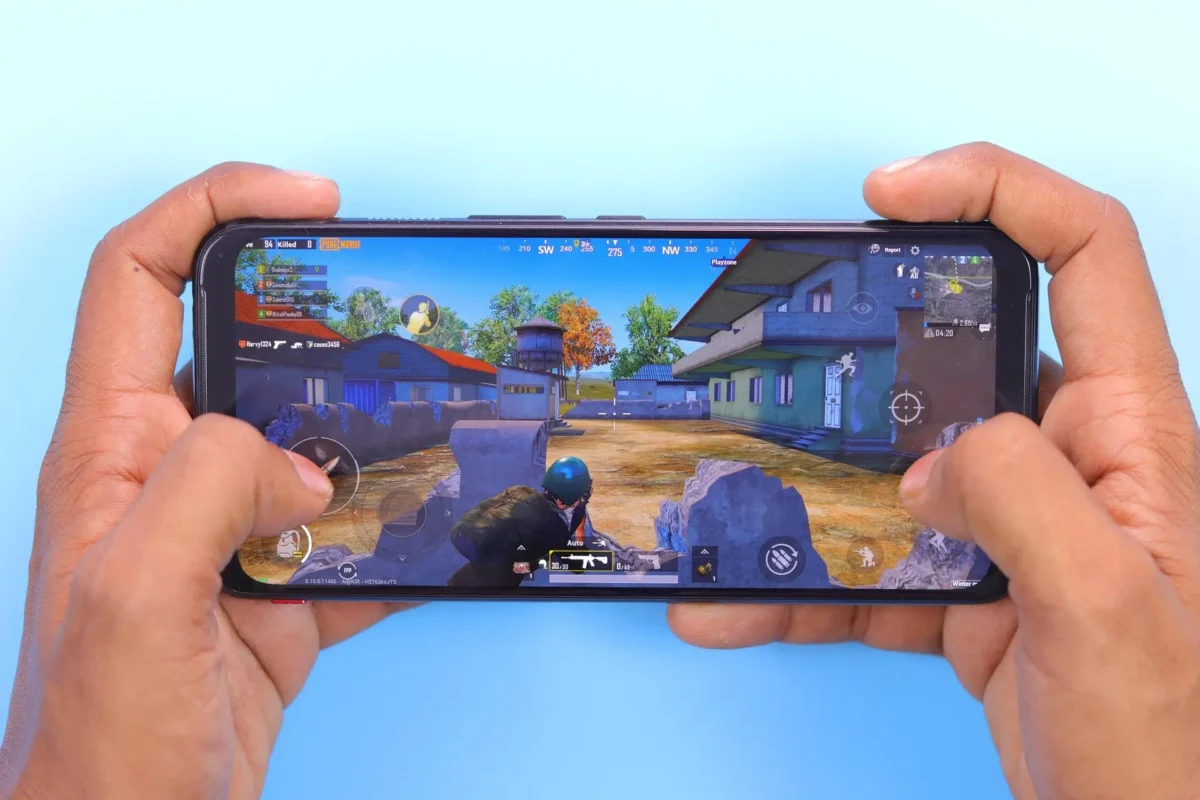
- Inconsistent touch while gaming
The phone feels fast overall, but the display does not always register touches accurately. This problem affects daily tasks like texting and browsing.
3. Auto Brightness Does Not Work Properly
The adaptive brightness feature does not behave consistently on some units. Users notice:
- Screen becomes too dark outdoors
- Screen becomes too bright indoors
- Brightness keeps changing randomly
This makes the phone difficult to use in changing lighting conditions and breaks the viewing experience.
4. Colors Look Dull or Washed Out
Samsung displays are known for vibrant colors, but some Galaxy A56 users feel disappointed. The display may look:
- Less colorful than expected
- Slightly yellow or bluish
- Less sharp at certain angles
For a phone with a Super AMOLED panel, users expect better color tuning.
5. Green Line or Vertical Line Issue
In rare cases, users notice a green vertical line or thin black line on the screen. This problem often appears:
- After a software update
- After device overheating
- Without any physical damage
This issue usually points toward display panel damage and should not be ignored.

6. Screen Freezing or Black Screen
Some users experience situations where:
- The phone is powered on
- Notifications and calls still work
- The display stays black or frozen
This issue feels scary because the phone appears dead, even though it is still running.
📌[Don’t Miss] — “Galaxy S25 Edge Green Display issue“📱 ⇒ “Galaxy S25 Ultra Display issue Solve“📱
🤔Why Do Galaxy A56 5G Display Problems Happen?
1. Software Optimization Issues
Samsung’s One UI is feature-rich but heavy. Sometimes:
- Display drivers fail to optimize correctly
- Updates introduce new bugs
- Refresh rate and brightness controls clash
Most display issues appear after software updates, not out of the box.
2. AMOLED Panel Quality Variation
Mid-range phones often use panels from different batches. This can cause:
- Flickering on some units
- Color inconsistency
- Sensitivity differences
Not every Galaxy A56 phone shows the same problem, which explains mixed user reviews.
3. Heating Affects Display Stability
When the phone heats up due to:
- Gaming
- Long camera usage
- Charging while using the phone
The display may behave abnormally. Heat impacts AMOLED panels more than LCD screens.
4. Physical Stress or Minor Internal Damage
Even without visible damage:
- Pressure in pockets
- Small drops
- Internal connector issues
can trigger display lines or touch problems over time.
🔥How to Fix Samsung Galaxy A56 5G Display Problems :🚀
1. Update the Phone Software :
- Always check for the latest update. Samsung often fixes display bugs silently through updates.
2. Turn Off Adaptive Brightness :
- Manual brightness gives better control and reduces flickering in many cases.
3. Change Screen Mode to Natural :
- Go to display settings and switch from Vivid to Natural mode. This can fix color imbalance issues.

4. Disable Extra Display Features :
Turn off:
- Eye comfort shield (temporarily)
- Adaptive color tone
- Extra motion smoothing
These features sometimes conflict with display stability.
5. Check in Safe Mode :
- Boot the phone in Safe Mode. If the display works fine, a third-party app is causing the problem.
6. Clear Cache Partition :
Clearing cache removes old system files that may cause glitches after updates.
7. Factory Reset :
- A factory reset can fix deep software issues. Always back up your data before doing this.
8. Visit an Authorized Service Center :
If you see:
- Green lines
- Dead screen
- Touch completely not working
You should visit a Samsung service center. Display panel replacement may be required under warranty.
📌[Must Read] — “Galaxy S25 FE Display Flicker issue Fix“📱
🤔Is the Galaxy A56 5G Display Problem a Deal-Breaker?
🚩 Not necessarily.
Most display problems on the Galaxy A56 5G are software-related, not hardware failures. Many users fix them with updates or settings changes. However, panel issues like green lines are serious and need professional repair.
For normal users, the phone still offers a good display experience once properly optimized.

Conclusion :🙌
The Samsung Galaxy A56 5G has a good display on paper, but that is not that is not true in practice. A number of users report flickering, touch delays and brightness problems, particularly following updates. The good thing is that most of the issues are fixable, and that Samsung is constantly making the software more stable.
If your display issue seems a small one, tuning the settings and updating software should suffice. If the problem seems to be permanent, do not hesitate in seeking service support. A damaged display just deteriorates in time.
🔗
 ”Click on Samsung Galaxy A56 5G (US) to see more details about this Samsung Smartphone.”
“FAQ/s”😀
1 Q. Why is the Samsung Galaxy A56 5G display flickering randomly?
Ans. Samsung Galaxy A56 5G display flickering is usually caused by adaptive brightness bugs, incompatible refresh rate settings, or recent software updates. In most US cases, disabling adaptive brightness and updating One UI fixes the issue.
2 Q. Does the Samsung Galaxy A56 5G have touch screen lag or unresponsive areas?
Ans. Yes, some users report touch lag on the Samsung Galaxy A56 5G due to background app overload, screen protector interference, or system cache issues. Clearing cache and removing low-quality screen guards often improves touch response.
3 Q. Is Samsung Galaxy A56 5G display issue a hardware or software problem?
Ans. Most Samsung Galaxy A56 5G display problems are software-related, especially after updates. Hardware defects are rare and usually involve physical damage or manufacturing faults, which require authorized service center inspection.
4 Q. How can I fix Samsung Galaxy A56 5G screen problems without visiting a service center?
Ans. Samsung Galaxy A56 5G screen issues can often be fixed by updating the phone, resetting display settings, turning off extra visual effects, and performing a safe mode check to identify problematic apps.