
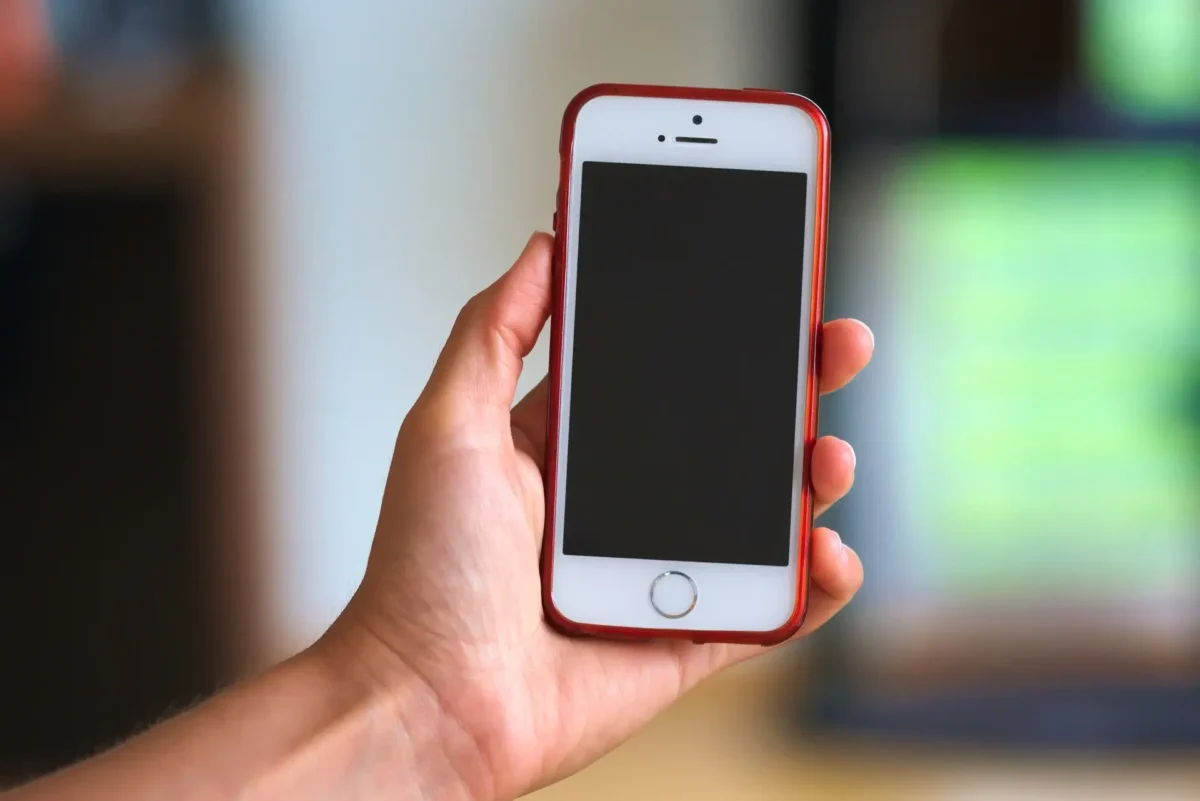
🧧Introduction :
Oppo F31 Pro Plus Display Problem : Oppo ne jab apna F31 Pro Plus 5G launch kiya tha, tab logon ke expectations kaafi high the — kyunki brand ne is phone ko “Flagshiplike Display Experience” ke tag ke sath market kiya tha. 6.8inch AMOLED panel, 120Hz refresh rate, HDR10 support, aur 1600 nits peak brightness — on paper sab kuch perfect lagta tha.
Lekin jab phone users ke haath me aaya, tab kahani thodi alag nikli. Reallife usage me kuch display related problems saamne aane lage, jise users ne social media aur forums par highlight kiya. Aaj iss blog me hum discuss karenge 👇—😀
Oppo F31 Pro Plus ke Display Problems kya hain, real users ka experience kaisa raha, aur iske peeche ke real reasons kya ho sakte hain.🤔
📌[Also read] — “Oppo F31 Pro+ 5G Honest Review“👈

1. Display Brightness :📱
Paper pe 1600 nits, Reality me Average Feel : Sabse pehla issue users ne notice kiya outdoor brightness ka.Spec sheet ke hisaab se display 1600 nits tak ja sakta hai, lekin real outdoor condition me brightness itni effective nahi lagti.
Users ke kehne ke according :
- Dhoop me screen par content clearly visible to hai, lekin premium AMOLED jaisa crisp feel nahi deta.
- Morning ke time me jab log sunlight me phone use karte hain, to screen thoda dull aur faded lagta hai.
- Instagram ya WhatsApp pe chat karte hue white background me contrast missing feel hota hai.
Ye issue un users ne bhi highlight kiya jo pichle model (Oppo F29 Pro) se upgrade kar rahe the — unhone bola ki “difference noticeable hai”, par improvement expected tha.
2. Color Calibration Issue :📈
Natural ya Vivid dono me imbalance : Oppo F31 Pro Plus me colour modes diye gaye hain — Vivid Mode aur Natural Mode.Vivid me colours thode oversaturated lagte hain, aur Natural mode me kahin kahin display thoda yellowish tone deta hai. Reallife me users ko lagta hai ki colour balance ekdum stable nahi hai.
Kabhi kabhi white area pe thoda warm tint aa jata hai, kabhi blueish lagta hai, especially low brightness me.Jo log photo editing ya content creation karte hain unke liye ye chhoti chhoti cheeze noticeable ban jaati hain.
3. Flickering Issue :
Low Brightness me Visible Lines : AMOLED displays me flickering ek common problem hoti hai, aur Oppo F31 Pro Plus bhi isse free nahi hai.Kai users ne report kiya ki low brightness par phone minor screen flicker karta hai — especially jab dark mode enable hota hai.
Night me chatting ke time screen blink jaisa lagta hai, aankhon pe strain padta hai,aise comments multiple forums par dekhne ko mile.
Ye problem mainly un users ke sath hoti hai jo phone ko continuously low brightness pe use karte hain — jaise night reading ya bed me social media scroll karna.

4. Viewing Angles :🤔
Colour Shift Noticeable hai : Premium AMOLED display hone ke bawajood, viewing angles me thoda compromise feel hota hai.Side se dekho to display ka contrast aur brightness thoda kam lagta hai.
- Movie dekhte hue agar phone thoda tilt karo to black colour grey lagne lagta hai,aisa ek user ne Reddit par likha.
- Normal users ke liye ye koi big issue nahi hai, lekin jo users perfect visual quality chahte hain unke liye noticeable hai.
📌[Must read] — “Oppo F31 Pro Plus 5G vs Oppo Reno 14 5G Shocking Comparison“👈
5. Touch Response :
Smooth but Slight Delay at Edges : 120Hz refresh rate hone ke bawajood kuch users ne edge touch delay feel kiya hai.Gaming ya fast typing ke dauran kabhi kabhi touch input thoda late register hota hai — especially corners me.
PUBG ya BGMI me fast swipe karte hue lagta hai screen late react kar rahi hai.Ye minor software calibration issue lagta hai, jise future update me fix kiya ja sakta hai.
RealLife User Experience :😀
Scene 1: Outdoor Use
Ravi apne office ja raha hai, subah 11 baje ka time hai. Dhoop kaafi tez hai, aur wo Google Maps check kar raha hai. Brightness full par hone ke bawajood map clearly visible hai, lekin thoda dull lag raha hai. Wo kehta hai,Display toh theek hai, par sunlight me premium phone jaisa feel nahi deta.
Scene 2: Night Scroll
Megha raat me dark mode on karke Instagram scroll kar rahi hai. Brightness kam rakha hai, taaki eyes pe strain na ho. Lekin screen par halki flickering notice hoti hai. Thodi der baad aankhon me halka strain feel hota hai.Kaash isme DC Dimming option hota,wo sochti hai.
Scene 3: Movie Time
Akash Netflix par HDR content dekh raha hai. Colours rich hain, lekin jab wo phone thoda tilt karta hai to blacks slightly grey dikhte hain. Uske words me,Display accha hai, par side se dekhne pe contrast loose ho jata hai.
Scene 4: Gaming Session
Manish BGMI khel raha hai. Gameplay smooth chal raha hai, lekin ek round me corner swipe detect nahi hota. Wo kehta hai,Thoda touch lag feel hota hai corners me.
Ye sab real scenarios show karte hain ki phone daily use me accha perform karta hai, par extreme condition me small display issues noticeable ho jaate hain.
🤔Reasons Behind These Display Problems?
1. Hardware Limitation – Oppo F31 Pro Plus ek midpremium phone hai, flagship nahi. Display panel high refresh rate ke saath tuned hai, lekin brightness aur calibration level thoda limited hai.
2. Slim Design – Phone ultraslim body me aata hai. Heat dissipation aur display driver chip area limited hone ke wajah se flickering aur brightness loss hota hai.
3. Software Optimization – Oppo ColorOS ka adaptive brightness aur vividnatural profile sometimes unstable behave karta hai, jiski wajah se colour tone change hoti rehti hai.
4. Cost Cut in Panel Source – Midrange phones me kabhi kabhi panel batches alag supplier se aate hain, jisse display quality me thoda difference ho sakta hai.
🔥Possible Solutions & Tips :
Agar aapke Oppo F31 Pro Plus me ye display issues aa rahe hain, to ye tips try karo :
- Display Mode Change karo : Settings → Display → Colour Mode me jaakar “Vivid” aur “Natural” dono try karo.
- DC Dimming Enable Option check karo: Kuch updates me ye option milta hai, use on karne se flickering kam ho sakti hai.
- Auto Brightness ko off karke manually adjust karo jab outdoor use karte ho.
- Software Update zarur rakho: Oppo regular OTA updates deta hai jisme colour calibration improve hoti rehti hai.
Agar panel me line ya burn mark dikhe to service centre visit karo — warranty me panel replacement possible hota hai.
📌[Don’t Miss] — “Oppo Reno 14 5G Full Review“👈

Final Thoughts :🙌
Oppo F31 Pro Plus 5G ek stylish, featureloaded phone hai jisme AMOLED display kaafi attractive lagta hai.Lekin jab real usage me aate ho, tab kuch displayrelated compromises feel hote hain — jaise sunlight me brightness thoda kam, low brightness me flicker, aur colour tone variation.
Ye problems phone ko “bad” nahi banate, par clearly ye dikhata hai ki har feature sheet pe likha number real life me same impact nahi deta. Agar aapka usage mainly indoor hai — movies, scrolling, normal calling — to ye phone aapko disappoint nahi karega.
Lekin agar aap outdoor heavy user ho, ya visuals ke matter me perfection chahte ho, to ye small issues notice karoge.
In short —
Display premium lagta hai, par perfection ke liye thoda aur finetuning chahiye.
🔗
📌”Oppo ke is smartphone ki aur jaankari ke liye Oppo F31 Pro Plus 5G pe click Krein”👈
“FAQ/s — Saawal Apke – Jaawab Hamare”😀
1 Q. Oppo F31 Pro Plus ke display ki key specs kya hain?
Ans. 6.7″–6.8″ approx FHD+ AMOLED panel, 120Hz refresh rate, high brightness & 10-bit color support — premium-level viewing quality.
2 Q. Oppo F31 Pro Plus me kaunse common display problems dekhne ko mil rahe hain?
Ans. Users mostly green line, flicker, touch delay, ya color shift jaisi issues report kar rahe hain — majorly panel quality ya software tuning ke kaaran.
3 Q. Oppo F31 Pro Plus ka display issue aaye toh pehle kya troubleshoot karna chahiye?
Ans. Restart → Software update → Display settings reset → Safe mode check. Agar issue same rahe, toh ye hardware/panel fault ho sakta hai.
4 Q. Oppo F31 Pro Plus ki screen warranty me cover hoti hai kya?
Ans. Manufacturing defect cover hota hai, green line/physical damage usually cover nahi hota, jab tak OPPO Care screen protection plan na ho.
2 thoughts on “Oppo F31 Pro Plus Display Problem – Premium Screen Issues Explained 🔍”