
Introduction :🧧
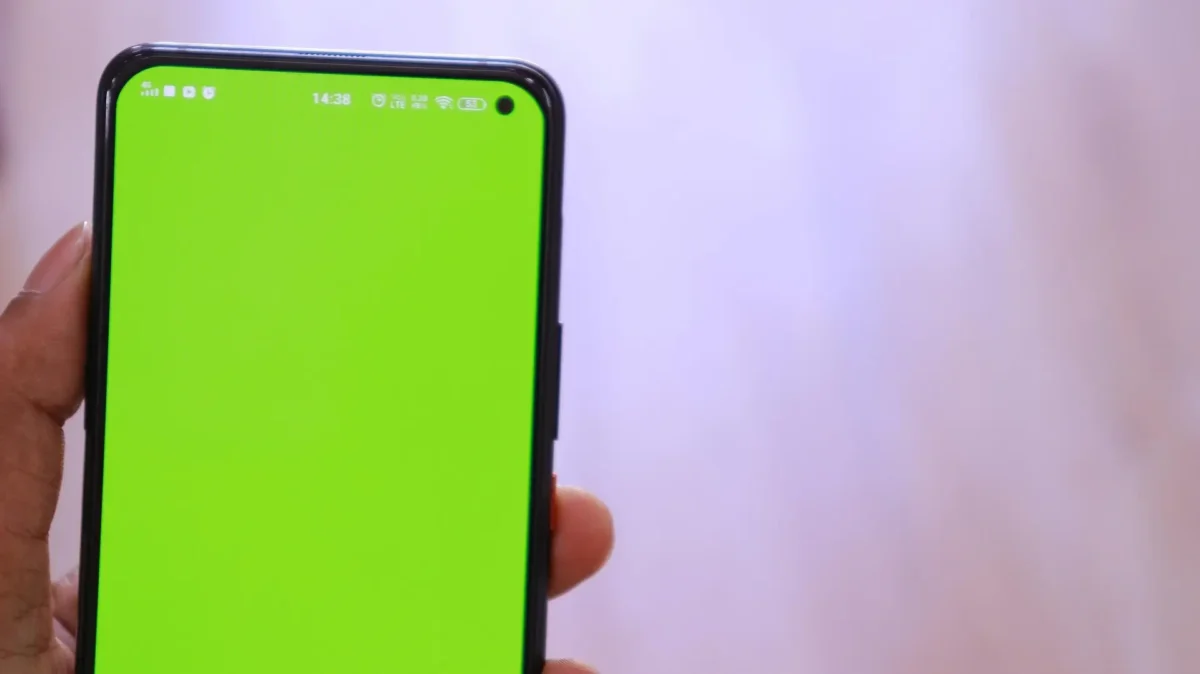
OnePlus 13R Display Issue : OnePlus 13R ko brand ne ek premium performance device ke roop me present kiya tha, jisme flagship-grade AMOLED display, high refresh rate aur accurate color calibration ka promise diya gaya tha. Starting ke kuch weeks me screen bilkul flawless perform karti hai smooth UI, punchy colors, deep blacks aur ultra-responsive touch.😄
Lekin kuch mahine use karne ke baad users ek noticeable problem face karne lagte hain: display flickering, touch delay, green tint, ghost touch, black shadow spots, frame drops, brightness fluctuation, aur screen burn-in.😲
Ye issues kisi ek user tak limited nahi rehte, almost same model ke users ek common pattern share karte hain.😨 Is blog me hum detail me samjhenge ki OnePlus 13R me display issue kaise start hota hai, kaise daily usage ko disturb karta hai, aur kaise simple steps se isko fix bhi kiya ja sakta hai.😀
📌[Also Read] — “OnePlus 13R 5G Honest Review“🚩

🤔Display Problem Kaise Start Hota Hai?
OnePlus 13R ka display issue dheere-dheere develop hota hai. Pehle screen thodi bright fluctuation notice hoti hai, ya kabhi rare flicker. Users initially ignore kar dete hain thinking it’s temporary. Par dheere-dheere symptoms visible hone lagte hain—low brightness me screen flicker karna, scrolling me choppy animation, touch commands delay hona.
Is stage par problem mild lagti hai, lekin processor–display coordination disturb hone ke baad flickering aur ghost touches gradually increase hone lagte hain. Users ko lagta hai software bug hai, par hidden reason zyada deep rehta hai—display refresh cycle, temperature exposure, pixels stress aur OLED deterioration.
Verdict : Yeh clearly ek slow-developing AMOLED stress issue hota hai jo brightness, heat aur pixel fatigue ke combination se grow karta hai.
1. Screen Flickering – Sabse Common OnePlus 13R Display Issue
Flickering mostly low brightness par appear hoti hai. Scrolling karte waqt screen ek second ke liye dim ya blink feel hoti hai.
Flicker mostly in reasons se hota hai :
- Low brightness + PWM dimming
- Overheating
- Background GPU load
- Recent software update
- AMOLED pixel cycle fatigue
Ye problem tab noticeable hota hai jab user raat me phone low brightness par use kar raha ho, aur ekdum se display halki si blink kare. Pehle ignore hota hai, then daily pattern ban jata hai.
Verdict : Flickering mostly software-driven + low-brightness PWM behavior ka result hota hai, isliye ye easily fix ho jata hai.
2. Touch Delay & Unresponsive Screen
Kai OnePlus 13R users ko feel hota hai ki kabhi-kabhi touch properly respond nahi karta. Keyboard me typing delay hota hai, scrolling me frame skip hota hai.
Ye issue tab start hota hai jab :
- Device slightly warm ho
- GPU background me high load handle kar raha ho
- Display refresh rate auto mode me ho
- Tempered glass poor quality ka ho
Touch lag ek light sa latency create karta hai jo daily tasks ko annoying bana deta hai.
Verdict : Touch delay mostly heat + background apps + low-quality glass ki wajah se hota hai. Right settings se instantly improve ho jata hai.
3. Green Tint & Color Shifting Problem
AMOLED panels me green/pink tint ek common long-term issue hota hai. OnePlus 13R me tint mostly low brightness and dark mode me visible hota hai.
Ye tint yeh reasons se appear hota hai :
- Pixel aging
- Gamma shift
- Heat exposure
- Uneven brightness distribution
Some users also report karte hain ki dark grey backgrounds me display patchy lagne lagta hai.
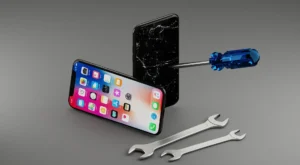
Verdict : Tint ek AMOLED aging pattern hai jo brightness habits, heat aur panel batch par depend karta hai. Early stage me manageable hota hai.
4. Ghost Touch Issue – Jab Screen Khud Hi Touch Register Karne Lage
Ghost touches bahut annoying hote hain—screen automatically apps open karti hai, keys tap ho jaate hain, scrolling ho jati hai.
Reasons :
- Moisture
- Faulty grounding
- Display connection loose
- Software gesture detection bug
Ye problem mostly charging ke time noticeable hota hai.
Verdict : Ghost touch ka 70% reason moisture + charging interference hota hai. Agar dry & clean rakho to quickly fix ho jata hai.
5. Black Spots / Shadow Lines
- Kai users ko kuch mahine baad black shadow lines ya corner me dark patches dikhne lagte hain.Ye heat exposure + AMOLED wear ka result hota hai.
- Mostly gaming, camera recording ya sunlight exposure ke baad appear hota hai.
Verdict : Black spots jab appear hote hain to ye AMOLED wear indicator hota hai. Minor ho to stable rehta hai, deep spots me panel replacement zaroori hota hai.
6. Brightness Fluctuation – Auto Brightness Glitch
- OnePlus 13R ke ambient sensor me kabhi-kabhi software confusion aata hai jisse brightness fast up-down hoti hai.Ye puri tarha se software calibration bug hai.
Verdict : Brightness changes 100% software sensor glitch hota hai. Reset & calibration se turant theek hota hai.
7. Screen Burn-in Problem
AMOLED panel me burn-in natural aging hoti hai.
But OnePlus 13R me :
- Navigation bar
- Keyboard area
Notification bar me burn-in thodi faster appear hoti hai heavy usage wale users me.
Verdict : Burn-in naturally hota hai, but correct usage se kaafi slow kiya ja sakta hai. Early stage me noticeable but harmless.
📌[Must Read] — “Vivo V60 5G Display issue Fix“📱 ⇒ “Vivo V60 5G vs OnePlus 13R Shocking Comparison“⚠
📱Daily Usage Me Display Problem Ka Impact :
Starting me problem minor rehti hai. Lekin ek week baad pattern clear ho jata hai. Scrolling smooth nahi rehti, flicker frequent ho jata hai, videos me brightness jitter noticeable hoti hai, aur kabhi-kabhi lock screen stuck lagti hai.
Gaming me touch delay aur frame drop combo complete experience spoil kar deta hai.
Raat me phone use karna irritating ho jata hai kyunki green tint aur PWM flicker eyes strain karta hai.Over time users realiz that Ab ye normal nahi lag raha, clearly phone me display issue develop ho raha hai.
Verdict : Daily usage me yeh issues comfort, smoothness aur readability ko directly affect karte hain—lekin mostly reversible hote hain.
😲Why Only This Model Faces Similar Display Issues?
OnePlus 13R users ne ek pattern notice kiya hai :
- AMOLED panel batch variation
- Aggressive software optimization
- Heat dissipation limitation
- Auto refresh rate bug
- PWM sensitivity
- Camera module heat bleeding into display area
In sab reasons ki wajah se same model ke users ko similar display behavior milta hai.
Verdict : Model-specific issues mostly panel batch mix + software tuning ka result hote hain—not a hardware failure for everyone.
🔥Solutions for OnePlus 13R Display Problems :
(Exactly battery-wala format jaisa solution section)
1. Flickering Fixes
- Always keep refresh rate manual 120Hz
- Low brightness avoid karo
- Dark mode me “Contrast optimization” enable karo
- Developer options me animation scale reduce karo
2. Touch Delay Fix
- Poor quality tempered glass replace karo
- Phone slightly warm ho to 3–4 minutes rest do
- Disable “AI Touch Optimization”
- Background apps force stop karo
3. Green Tint Fix
- Low brightness avoid karo
- Reading mode off rakho
- Display color profile “Natural” set karo
- Latest oxygen update install karo
4. Ghost Touch Fix
- Moisture dry karo
- Charging ke time phone mat use karo
- Charger change karke check karo
- Soft reset once a week
5. Brightness Fluctuation Fix
- Auto brightness reset:
- Settings → Display → Adaptive Brightness reset
- Sensor calibration after update
- Ambient display off kar ke test karo
6. Screen Burn-in Fix
- Burn-in fully repair nahi hota but slow ho sakta hai:
- Static images avoid karo
- Brightness reduce rakho
- Navigation gestures use karo buttons ki jagah
- AOD dim mode use karo

When a Service Center Visit Becomes Necessary :🕵️♂️
Agar display me :
- Deep black patches
- Yellow/green tint permanent
- Flickering extreme
- Ghost touches continue
Screen lines visible ho jaye, to panel replacement hi permanent solution hota hai.
📌[Don’t Miss] — “Vivo V60 5G Best Review“🔥
Final Conclusion :🙌
OnePlus 13R ek powerful phone hai, lekin AMOLED display long-term usage me kabhi-kabhi visible issues develop kar sakta hai—flickering, touch lag, tint, ghost touches, brightness glitch, shadow spots aur burn-in. Ye problems usually slow start hote hain aur daily usage ko disturb karte karte noticeable ho jaate hain.
Achhi baat ye hai ki maximum issues minor settings, heating control, refresh rate tweaks aur background optimization se fix ho jaate hain.
Agar display physicaly damage ya permanently tint ho gaya ho, tab service center hi best long-term solution hota hai.Smart usage, optimal brightness aur heat control se OnePlus 13R ka display fir se stable performance de sakta hai.
🔗
📌”OnePlus ke is model ki aur jaankari ke liye OnePlus 13R pe Click Krein”👈
“FAQ/s — Saawal Apke – Jaawab Hamare”😄
1 Q. OnePlus 13R ka display flicker kyun hota hai?
Ans. OnePlus 13R me display flicker mostly refresh rate switching ya software glitch ki wajah se hota hai.
2 Q. OnePlus 13R ki screen touch kabhi unresponsive ho jaye to fix kya hai?
Ans. OnePlus 13R me unresponsive touch ka quick fix — restart, latest update install, aur auto-brightness/refresh rate off karna.
3 Q. OnePlus 13R me green ya yellow tint hardware issue hai?
Ans. OnePlus 13R ka green/yellow tint zyada tar software color-profile issue hota hai; rare cases me hardware fault hota hai.
4 Q. Kya OnePlus 13R ke display issues update se fix ho jate hain?
Ans. Ji haan, OnePlus 13R ke display issues mostly software update se fix ho jate hain; hardware defect ho to warranty cover karti hai.
1 thought on “OnePlus 13R Display Issue: Real Screen Problem & Fast Fix ka Full Sach! 🔥”