
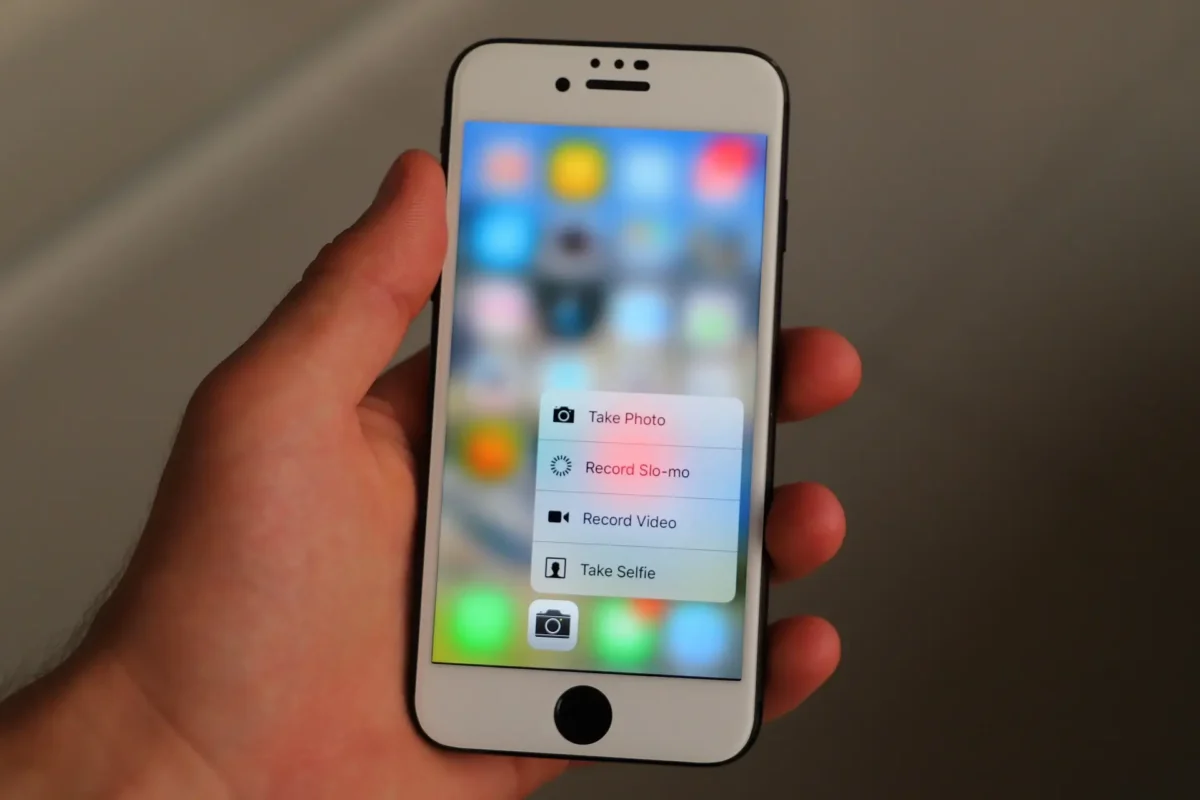
Introduction :🧧
iPhone 17 Pro Max Display Problems : The iPhone 17 Pro Max (US) arrived as one of Apple’s most powerful smartphones ever — larger screen, improved brightness, faster performance, and a sleek modern design. Its Super Retina XDR display promises great contrast and outdoor visibility.
But since launch, a noticeable number of users have experienced display issues, ranging from dull colors to flickering, vertical stripes, dead pixels, and even black screens. Some owners call it a “panel lottery” — meaning many units differ in quality.
In this blog you’ll learn :
👉 Common iPhone 17 Pro Max display problems.
👉 What causes them.
👉 Simple fixes you can try at home.
👉 When it is likely hardware and needs repair.
Let’s break it down.
📌[Also Read] — “iPhone 17 Display issue Fix“📱 ⇒ “iPhone 17 Pro Display Problem Fix“📱

Real Common Display Problems iPhone 17 Pro Max Users Report :
Here are the main display complaints seen across Reddit, Apple forums, and online user reports :
1. Display Looks Dull or Washed Out
- Some users report their new Pixel 17 Pro Max display looks less vivid or “midrange” compared to older iPhones like the 15 or 16 Pro Max.
2. Color Tint or Tone Issues
- Some devices show a greenish, yellowish, or uneven tone — especially on white or grey backgrounds. This seems more noticeable on certain panel types.
3. Vertical or Horizontal Lines / Stripes
- Users have spotted faint vertical stripes or bars, especially at lower brightness, that shouldn’t be there.
4. Dead Pixels or Bright Spots
- A few owners have reported tiny green pixel dots or black spots that remain visible even when the screen is on.
5. Black Screen or No Display (But Phone Is On)
- There are rare reports of the phone staying powered while the display stays totally blank until forced restart.
6. Display Flickering in Certain Apps
- Some users see flicker in specific apps like YouTube or during animations and thumbnails scrolling.
7. Touch Responsiveness Problems
- Others report sluggish or delayed touch response — tapping sometimes doesn’t register instantly. This can feel like a display issue even if the touchscreen digitizer is the cause.
8. Black or Light Bars Around Dynamic Island
- A few users say they see faint horizontal bars or light lines near the top area of the screen.

Why These Display Problems Happen :🤔
There are several possible causes for these display issues. Some are software or settings related, and others are hardware panel variation :
1. OLED Panel Variation and Manufacturing Tolerance :
iPhones use OLED panels from different suppliers.
Some Reddit users found units with different panel IDs (e.g., LG vs Samsung), and noticeable quality differences showed up in brightness and color uniformity.
OLED panels are sensitive — even small manufacturing differences can affect :
- color accuracy
- brightness
- uniformity
- viewing angles
This is often called the panel lottery.
2. Software Calibration and Display Pulse Modulation (PWM) :
iOS uses advanced control systems like Pulse Width Modulation, which can cause flickering or perceived instability at lower brightness levels. Apple provides settings like Display Pulse Smoothing to improve this.
Software calibration bugs can also shift color tone or brightness curves — making the display look washed out or incorrect.
3. Low Brightness and PWM Flicker :
OLEDs often flicker at lower brightness due to PWM.If the phone is set to low brightness, some users may see flicker or shimmering.
This doesn’t always show as a defect, but many people notice it.
4. Hardware Manufacturing Variations and Panel Quality :
Some owners report units with :
- vertical stripes
- uneven brightness areas
- green or yellow tint
These can be physical panel issues or poor uniformity due to quality control differences between panels.
📌[Must Read] — “iPhone 17 Battery Drain Fix“🔋 ⇒ “iPhone 17 Pro Battery issue Fix“⚠
5. Software Driver or iOS Bugs :
Software glitches occasionally cause :
- black screens that still have audio
- touch lag
- flicker inside specific apps
- inconsistent refresh rate behavior
These tend to show up after updates and often get improved in later iOS patches.
🔥How to Fix iPhone 17 Pro Max Display Problems (StepbyStep) :🔥
Here are practical, easy steps you can try before going to the Apple Store.
1. Update to the Latest iOS Version :
Apple often fixes display and softwarerelated bugs in monthly patches.
- Settings → General → Software Update
- Install any pending updates.
This can resolve flicker, touch issues, and screen glitches.
2. Restart or Force Restart Your iPhone :
Power issues can be graphic driver related. A simple restart can often resolve temporary display glitches.
- Press Volume Up
- Press Volume Down
- Hold Side button until Apple logo appears
This fixes many black screen or flicker problems.
3. Reset Display Settings or Accessibility Display Tweaks :
If colors look off or tint appears :
- Settings → Accessibility → Display & Text Size
Try toggling Display Pulse Smoothing and Reduce White Point to improve perceived quality.
4. Check for Screen Protector Interference :
A cheap or misfitted screen protector may affect touch responsiveness or brightness perception.
Remove it temporarily and test.
5. Test in Safe Conditions :
Try checking the screen :
- at medium brightness.
- outside direct sunlight.
- without any apps running.
Some flicker is only noticeable at very low brightness or dark themes.
6. Take a Screenshot and Zoom In :
For lines or bars :
- take a screenshot where you see the issue.
Zoom into the screenshot — if the lines remain on the screenshot, it’s likely hardware. If they disappear, it’s software or content rendering related.
When the Problem Is Hardware, Not Software :🕵️♂️
If you notice any of the following even after updates :
- Dead pixels or stuck green dots.
- Permanent tint or uneven brightness.
- Vertical stripes at all brightness levels.
- Black spots visible all the time.
- Black screen that won’t turn on but phone vibrates.
- Touch completely unresponsive.
then it more likely points to a hardware display flaw.
In these cases, contact Apple Support or visit an Apple Store. Apple may :
- replace the screen
- replace the device (if under warranty)
Users on Reddit also reported successful warranty replacements when the display had noticeable uneven brightness or color shifts.
📌[Don’t Miss] — “iPhone Air Display issue Fix“📱 ⇒ “iPhone 17 Camera Glitches Fix“📷
Tips to Prevent Display Problems and Protect Your iPhone 17 Pro Max :🚧
Here are some practical tips to protect your screen and reduce display issues :
- Use AppleCertified or HighQuality Screen Protectors.
- Lowquality films can create optical distortions or touch issues.
- Clean Screen With Microfiber Cloth.
- Dust or grit can cause scratches or smudges that affect display viewability.
- Avoid Cheap Accessories.
- Magnetic mounts or noncertified chargers may leave residue or marks around the screen edges.
Keep Brightness Moderate
Very low brightness can make PWM flicker more obvious, very high brightness in direct sunlight can warm and change display behavior.
Monitor Refresh Behavior
If the display sometimes feels stuck at 60 Hz instead of the expected adaptive rate, it may be updatefixable or a settingrelated issue.
Final Words :🙌
The iPhone 17 Pro Max delivers one of the most advanced displays Apple has offered, with extremely high peak brightness and silky smooth refresh rates. ([TechRadar][15]) Yet, real users report a range of display behaviors — from dull color quality and tint differences to vertical lines, flicker, and occasional black screens.
Most problems come from software calibration, panel variation, or settings quirks and can be fixed with updates or simple adjustments. However, some units may have display hardware defects, especially when lines, dead pixels, or permanent color shifts appear — in those cases Apple warranty support is key.
With the right fixes and care, most users can enjoy the Pixel 17 Pro Max display as intended: bright, sharp, and smooth. And if the issue persists, Apple usually offers reliable service options under warranty.
🔗
 ”Check the official Apple iPhone 17 Pro Max product page (U.S.) here.”
“FAQ/s”😄
1 Q. Why is the iPhone 17 Pro Max display unresponsive or frozen?
Ans. The iPhone 17 Pro Max display can become unresponsive due to iOS bugs, heavy background apps, or system glitches. A force restart or latest iOS update usually fixes the issue.
2 Q. Why does the iPhone 17 Pro Max show a black screen but still stay on?
Ans. A black screen on the iPhone 17 Pro Max display is often caused by a software crash or display connection issue. Try a force restart, and if it continues, Apple service support is recommended.
3 Q. Why does the iPhone 17 Pro Max display flicker or show color issues?
Ans. The iPhone 17 Pro Max display may flicker or show color tint due to software bugs, adaptive brightness settings, or panel calibration issues. Updating iOS usually improves display stability.
4 Q. Can iPhone 17 Pro Max display problems be fixed without screen replacement?
Ans. Yes, many iPhone 17 Pro Max display problems can be fixed with iOS updates, force restart, or settings adjustments. Screen replacement is needed only if there is hardware damage.
1 thought on “iPhone 17 Pro Max Display Problems Revealed 🚨: Causes, Real Issues & Fixes – (US)”