
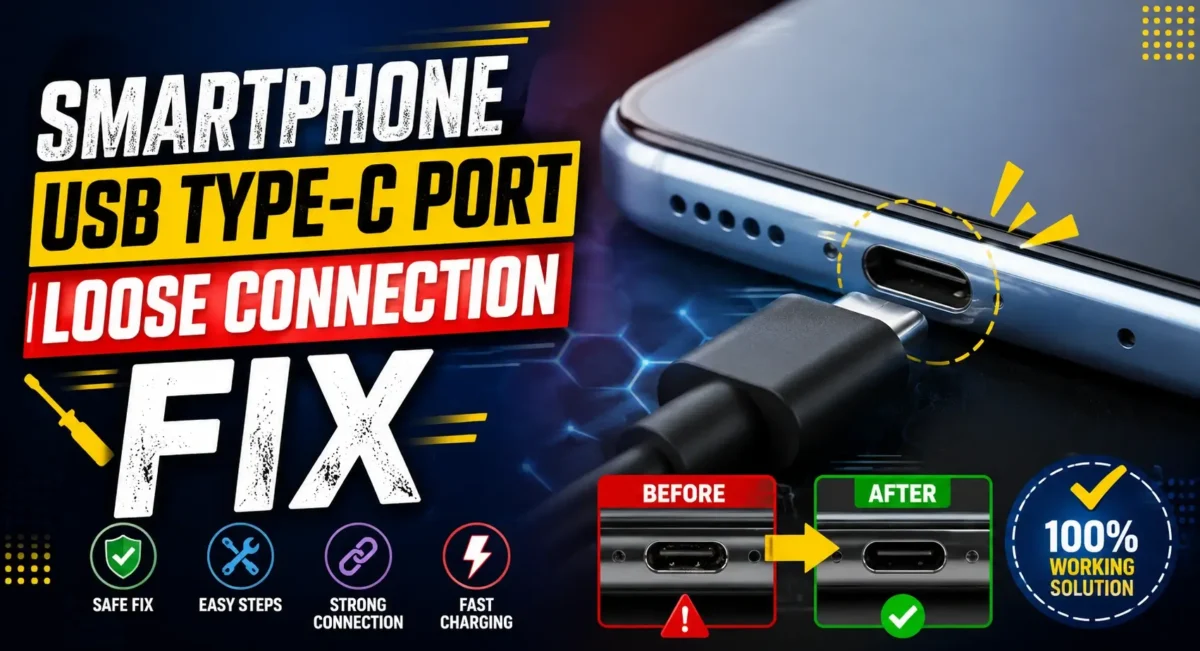
Overview :🧧
How to Clean Type-C Charging Port Safely : You connect your charging cable to your smartphone, but rather than fitting snugly, it feels loose. The cable is disconnected by slight moves, fast charging randomly stops, or Android keeps showing Charging Not charging.
Several people have the tendency to think the charging port is broken and head to a service centre. But that’s not always it. A relatively frequent cause for a wobbly USB Type-C connection is something surprisingly simple Pocket lint.
If you are accustomed to keeping your phone in your pants pockets or in the pockets of your jackets or bags, very small fibres, dust and dirt accumulates little by little in the charging port. Eventually, the compressed lint prevents the USB Type-C plug from getting fully inserted into the port causing an unstable connection.
The good news is that, a lot of the times, this can be fixed safely at home if you do it the right way. 👇
Here in this post, we will describe the whole procedure to clean a USB Type-C charging port be safely without damaging pins, which tools to keep away form and when you should go to an authorized service center.
Why Does a USB Type-C Port Become Loose?
A charging port rarely becomes loose overnight. Most loose connection complaints are caused by one of these reasons:
- Pocket lint accumulation
- Dust and dirt
- Moisture residue
- Damaged charging cable
- Bent USB Type-C connector
- Worn-out charging port
- Physical impact after dropping the phone
Fortunately, lint buildup is by far the most common cause.
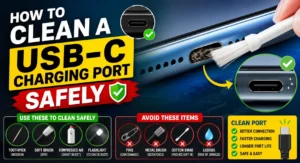
Common Signs of Pocket Lint Inside the Charging Port :🔌
Your smartphone may have lint trapped inside if you notice:
- Charging cable falls out easily
- Fast charging disconnects frequently
- Cable doesn’t click firmly
- Android repeatedly starts and stops charging
- Phone charges only when the cable is held at a certain angle
- Android Auto disconnects while driving
- Data transfer fails occasionally
If these symptoms appeared gradually rather than suddenly after a drop, lint is a likely culprit.
Why Pocket Lint Causes Loose Charging :🤔
Whenever you put your phone in your pocket a tiny amount of fabric fibres get into the USB Type-C port. When you plug in the charging cable, the fibres are pressed deeper inside the port. After a few months, the compressed lint creates a solid layer at the bottom of the connector.
As a result:
- The cable cannot insert fully.
- The connector locks only partially.
- The phone loses electrical contact during movement.
Many users mistake this for a damaged charging port.
Step 1: Turn Off Your Smartphone
Before cleaning the charging port:
- Power off the device.
- Disconnect all charging accessories.
- Remove the protective case if it blocks the port.
This reduces the chance of accidental short circuits or damage.
Step 2: Inspect the USB Type-C Port
Use a bright flashlight. Look inside carefully. You may notice:
- Grey lint
- Dust particles
- Fabric fibres
- Sand
- Tiny debris
Avoid inserting anything immediately. First, understand where the dirt is located.
Step 3: Use a Wooden or Plastic Cleaning Tool
The safest tools include:
- Wooden toothpick (used very gently)
- Plastic dental pick
- Plastic SIM cleaning tool designed for electronics
- Never force the tool inside.
Instead:
- Work slowly.
- Lift lint upward.
- Remove debris little by little.
Patience is much safer than force.
Step 4: Use Compressed Air Carefully
A quick spray of compressed air may dislodge dust that is not stuck in. Hold the can on an upright position and use short bursts from a distance.
Don’t spray high-pressure continuously, strong force might push debris further into the port.
Step 5: Check the Charging Cable
Sometimes the problem isn’t inside the phone. Inspect the USB Type-C cable.
Look for:
- Bent connector
- Dirt on the plug
- Corrosion
- Loose metal shell
Try another genuine cable before assuming the phone is faulty.
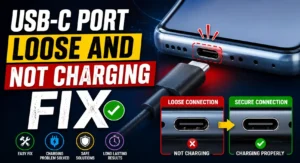
Things You Should NEVER Use :😲
This is where many people accidentally damage their phones.
Avoid using:
- Metal Pins
Safety pins, needles, tweezers, paper clips, or sewing needles can:
- Scratch internal contacts
- Bend charging pins
- Cause short circuits
Knife Blades
- A sharp blade can permanently damage the connector.
Water
- Never pour water into the charging port. Moisture may damage internal electronics.
Household Vacuum Cleaners
- Powerful suction can generate static electricity or fail to remove tightly packed lint.
Can Isopropyl Alcohol Help?
If the port contains sticky residue rather than lint, high-purity isopropyl alcohol (90% or above) is commonly used by electronics technicians because it evaporates quickly.
However:
- Use only a very small amount.
- Apply it to a lint-free swab—never pour it directly into the port.
- Allow the port to dry completely before reconnecting power.
If you’re not confident, it’s better to let a professional handle the cleaning.
Signs the Charging Port Is Actually Damaged :⚠
Cleaning won’t help if the connector has physical damage.
Possible signs include:
- Bent centre connector
- Missing pins
- Burn marks
- Charging only from one side of the cable
- Phone doesn’t detect any charger
- Data transfer never works
In these cases, the USB Type-C port may require replacement.
Why Cheap Charging Cables Can Cause Problems :🔌
Low-quality cables often have:
- Loose connectors
- Poor tolerances
- Weak internal wiring
Over time, they may wear out the charging port faster than genuine accessories. Always buy certified cables from trusted manufacturers.
Fast Charging Suddenly Stops :🚧
If fast charging no longer works but normal charging still does:
Check:
- Cable quality
- Charger compatibility
- Charging port cleanliness
- Software updates
A partially blocked port can prevent the cable from seating correctly, interrupting high-speed charging.
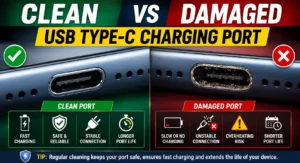
Moisture Detection Warning?
Many smartphones display:
- Moisture detected in USB port.
Even if no water entered the phone, lint mixed with humidity may trigger the sensor.
If you suspect moisture:
- Disconnect the charger.
- Let the phone dry naturally.
Avoid using heat sources such as hair dryers.
How Often Should You Clean the Charging Port?
For most users:
- Every 3–6 months is sufficient.
- More frequently if you work in dusty environments.
- Check monthly if you carry the phone in jeans pockets every day.
Regular inspection prevents compacted lint from becoming difficult to remove.
Prevent Future Lint Build-Up :🚀
Simple habits can reduce future problems:
- Keep the phone in a clean pocket.
- Avoid carrying coins or keys with the phone.
- Clean the charging cable regularly.
- Use a dust plug if you rarely charge via cable.
Store the phone in a clean bag instead of dusty pockets whenever possible.
When Should You Visit a Service Centre?
Seek professional help if:
- Cleaning doesn’t solve the issue.
- The charging port feels physically loose.
- Pins appear bent.
- Charging stops completely.
- The phone overheats while charging.
- The connector moves inside the port.
Modern smartphones often require specialised tools for safe USB Type-C port replacement.
Honest Mobile Reviews and Ratings: Why Charging Port Quality Matters
When reading honest mobile reviews and ratings, most buyers focus on cameras, displays, and processors.
However, long-term durability is equally important.
Reliable reviews often evaluate:
- Charging port quality
- Build durability
- Water resistance
- Charging stability
- Cable fit over extended use
These practical details help you choose a phone that remains reliable after years of daily charging.
Smartphone Buying Guide in India: Don’t Ignore Build Quality :
A good smartphone buying guide India shouldn’t only compare benchmark scores or megapixels.
Before buying your next smartphone, also consider:
USB Type-C Port Quality
- A well-designed charging port lasts longer and maintains a firm cable connection.
Official Service Network
- Easy access to authorised service centres can reduce repair costs.
Genuine Accessories
- Check whether original chargers and cables are readily available.
IP Rating
- Dust resistance helps reduce debris entering the charging port.
Long-Term Reliability
- Read user feedback instead of relying only on launch-day reviews.
Final Verdict :🙌
Strongly-lodged USB Type C ports do not always imply a need for a new charging port on your smartphone. In a lot of instances, it’s months of collected pocket lint that’s keeping the charging cable from sitting snugly in the port.
Before spending money on repairs:
- Inspect the port carefully.
- Remove lint gently using safe, non-metallic tools.
- Test with another genuine charging cable.
- Avoid sharp objects that can bend or scratch the internal pins.
Lastly, when you get your next phone, make sure to check the quality of the build. A well smartphone buying gudie in india and unbiased phone reviews can tell you how a phone holds up over years of charging, so you can pick a phone that’s sturdy not just powerful on paper.
🔗
📌”Samsung.com — Official Brand Page”👈
Frequently Asked Questions — FAQ/s
Can pocket lint really stop fast charging?
Yes. If lint prevents the connector from fully inserting, fast charging may fail or disconnect repeatedly.
Is it safe to clean the charging port at home?
Yes, provided you use non-metallic tools, work gently, and avoid liquids unless you know the correct procedure.
Should I use a sewing needle?
No. Metal objects can permanently damage the delicate USB Type-C pins.
Why does my cable suddenly feel loose?
The most common reason is compacted lint preventing the connector from locking properly.
