
Introduction :🧧
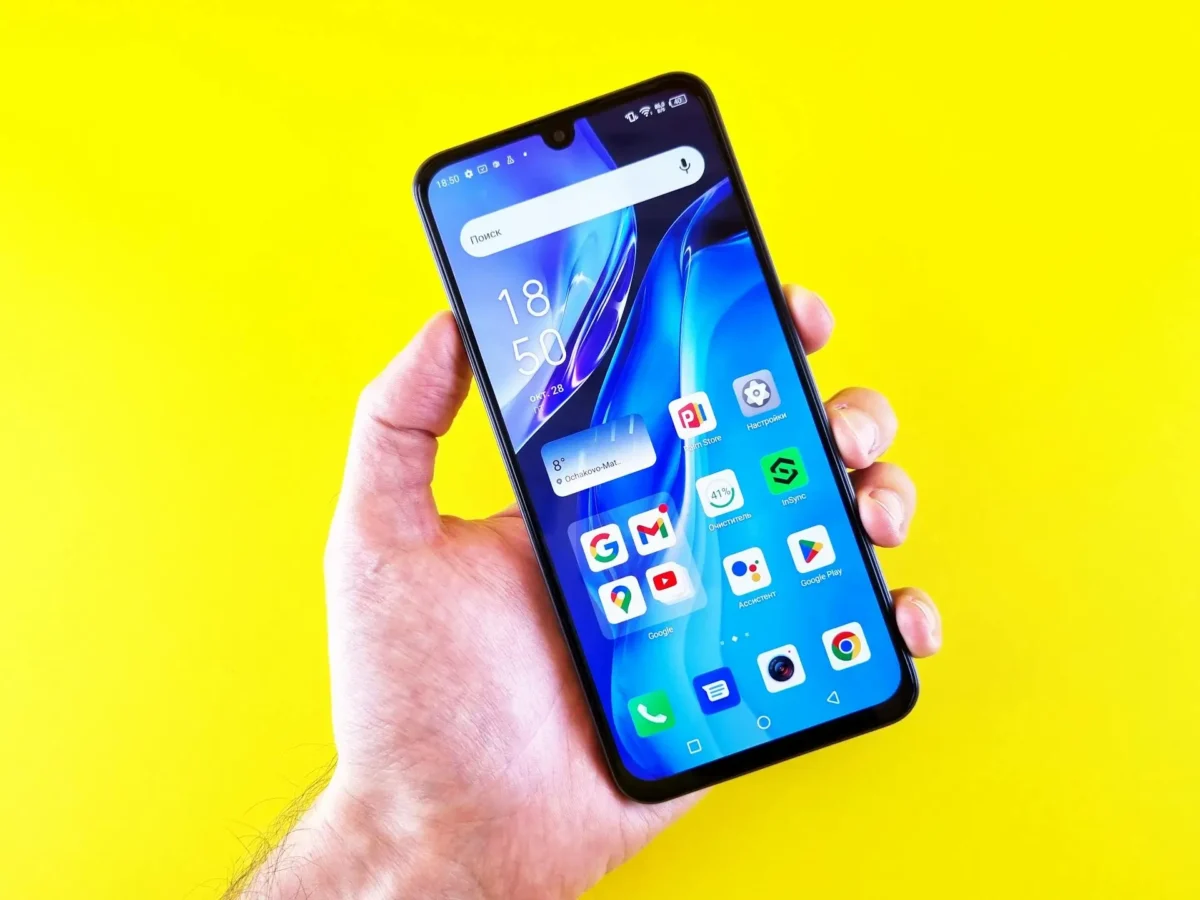
Realme 14 Pro Plus Display Issue : Realme 14 Pro Plus ko premium mid-range smartphone ke taur par launch kiya gaya tha, jisme curved AMOLED display, high refresh rate aur punchy colors ka promise kiya gaya. On paper aur initial hands-on experience me display kaafi impressive lagta hai — bright screen, smooth scrolling aur multimedia ke liye engaging visuals.
Lekin real-life daily usage me kaafi users ne Realme 14 Pro Plus ke display se related kuch noticeable problems face ki hain. Ye issues har device me same level par nahi hote, lekin kaafi users ke liye clearly visible aur irritating ho sakte hain.😲
Is blog me hum Realme 14 Pro Plus ke display issues ko detail me, real user experience, reasons aur practical solutions ke saath samjhenge.
📌[Also Read] — “Realme 14 Pro+ 5G Honest Review“🚩 ⇒ “Realme P4 Pro Touch Lag Solution“📱
Problem Start Kaise Hoti Hain :🚧
1. Starting Me Display Excellent — Phir Dheere-Dheere Problems Samne Aana
Naya phone lene ke baad Realme 14 Pro Plus ka display:
- Kaafi bright aur vibrant lagta hai
- Colors rich aur contrast strong hota hai
- Curved edges premium feel deti hain
Lekin kuch weeks ke usage ke baad users notice karte hain:
- Screen uniformity me slight change
- Brightness behaviour inconsistent lagna
- Dark ya white background par color shift
Ye issues sudden nahi hote, balki gradually develop hote hain, jisse user ko lagta hai ki display long-term me stable nahi hai.
2. Low Brightness Par Screen Flickering Issue
Realme 14 Pro Plus ka sabse common display complaint hai low brightness flickering. Jab brightness 15–20% ke aas-paas hoti hai:
- Screen halki flicker karti hui dikhti hai
- Dark mode me issue zyada noticeable hota hai
- Scrolling ke time eyes par strain feel hota hai
Ye AMOLED panels me PWM dimming ki wajah se hota hai, lekin kuch units me flickering zyada visible ho jati hai, jo daily night usage ko uncomfortable bana deti hai.
3. Yellow Tint Or@ Color Shift Problem
Kaafi users ne Realme 14 Pro Plus me yellowish tint ya color shift notice kiya hai. Ye problem specially:
- White background par
- Settings menu
- Browser me pages scroll karte waqt
Zyada visible hoti hai. Kabhi-kabhi screen ka upar ya neeche ka part thoda yellowish lagta hai, jo panel uniformity issue ko indicate karta hai.
4. Auto Brightness Inconsistency
Auto-brightness feature Realme 14 Pro Plus me kabhi-kabhi unpredictable behave karta hai. Users report karte hain:
- Indoor lighting me bhi brightness sudden change
- Typing ya scrolling ke dauran screen dim ho jana
- Outdoor me max brightness ke bawajood visibility average lagna
Ye mostly software optimization aur light sensor tuning se related hota hai.
5. Curved Display Par Accidental Touch & Edge Issue
Curved AMOLED display visually premium lagti hai, lekin practical usage me kuch issues laati hai:
- Edge par accidental touch
- Typing ke time palm rejection weak
- Screen protector ke saath touch sensitivity change
Ye problems specially gaming aur long typing sessions me zyada notice hoti hain.
6. Touch Response Slow Hona
Agar phone thoda heat ho jaye jaise:
- Gaming
- Long video recording
- Charging ke time heavy use
To display ka touch response thoda slow ho jata hai. Swipes smooth nahi lagte aur kabhi-kabhi taps late register hote hain. Ye heat + AMOLED sensitivity ka combined effect hota hai.
📌[Must Read] — “Redmi Note 14 Pro+ vs Realme 14 Pro+ Killer Comparison“🔥
7. Black Crush & Over-Saturation Issue
Realme 14 Pro Plus ke AMOLED panel me:
- Dark scenes me details loss (black crush)
- Reds aur greens thode over-saturated lagna
Netflix, YouTube aur OTT content me ye issue zyada noticeable hota hai. Shadow details properly visible nahi rehti, jo multimedia experience ko impact karta hai.
8. Long Usage Ke Baad Display Dull Lagna
Kuch users ne report kiya ki kuch mahine ke use ke baad:
- Display thodi dull feel hone lagti hai
- Colors pehle jitne punchy nahi lagte
- Brightness output slightly reduce lagta hai
Ye AMOLED aging aur brightness calibration ki wajah se ho sakta hai, especially high brightness usage ke baad.
Realme 14 Pro Plus Display Issues – Kyon Hote Hain Ye Problems?
In display issues ke main reasons hote hain:
- AMOLED panel quality variation.
- PWM dimming at low brightness.
- Curved display design limitations.
- Software calibration & updates.
- Heat impact on display performance.
Hardware defect har case me nahi hota, lekin panel consistency aur software tuning issues zyada common hote hain.
Realme 14 Pro Plus Display Problems – Practical Solutions :🚀
1. Brightness & Display Settings Optimize Karein :
- Low brightness par phone use avoid karein
- Auto-brightness off karke manual adjust karein
- Extra vivid color modes avoid karein
2. Dark Mode & Eye Comfort Settings Adjust Karein :
- Eye comfort or night mode ko moderate level par rakhein
- Dark mode me flickering zyada ho to brightness thodi badha dein
3. Software Update Install Karein :
- Realme updates ke saath display calibration improve karta rehta hai.
- Settings → Software Update → Latest version install karein.
4. Heat Control Rakhein :
- Charging ke time heavy usage avoid karein
- Gaming ke baad phone ko thoda rest dein
- Overheating display issues ko worsen karti hai
5. Display Test & Service Centre Visit :
Agar:
- Flickering extreme ho
- Yellow/green tint clearly visible ho
- Touch response abnormal lage
To service centre visit karein. Severe cases me display replacement warranty ke under possible hota hai.
📌[Don’t Miss] — “Realme 15 Screen Glitch Problem Fix“📱 ⇒ “Realme 15x Display Problem Fix“📱

Conclusion :🙌
Realme 14 Pro Plus ka display visually attractive, bright aur smooth hai, lekin long-term daily usage me kuch users ko flickering, tint, brightness inconsistency aur touch-related issues face karne padte hain.
Ye problems mostly AMOLED panel behaviour aur software optimization se related hoti hain, na ki direct hardware failure se. Achhi baat ye hai ki kaafi issues settings adjustment, updates aur smart usage se kaafi had tak improve ho jate hain.
Agar problem extreme ho, to service centre support available hai. Overall, display experience good hai, lekin perfect nahi, especially display-sensitive users ke liye.
🔗
📌”Realme ke is model ki aur jaankari ke liye Realme 14 Pro Plus pe Click Krein”👈
“FAQ/s — Sawal Apke – Jaawab Hamare”😄
1 Q. Realme 14 Pro Plus mein display flickering issue kyun hota hai?
Ans. Realme 14 Pro Plus mein display flickering zyada tar software update bug, adaptive refresh rate glitch ya brightness sensor conflict ki wajah se hota hai. Hardware issue kam cases mein hota hai.
2 Q. Kya Realme 14 Pro Plus ka green line display issue real hai?
Ans. Ji haan, kuch users ne Realme 14 Pro Plus mein green line issue report kiya hai, jo mostly AMOLED panel aging ya faulty update ke baad appear hota hai. Sab units affect nahi hote.
3 Q. Realme 14 Pro Plus display black screen problem ka solution kya hai?
Ans. Realme 14 Pro Plus ka black screen issue usually system crash ya incompatible app ki wajah se hota hai. Force restart, safe mode check aur latest update install karna effective fix hota hai.
4 Q. Kya Realme 14 Pro Plus ka display issue software update se fix ho sakta hai?
Ans. Ji haan, Realme 14 Pro Plus ke zyada tar display issues software related hote hain aur future OTA updates ke through fix ho jaate hain. Isliye system update miss nahi karna chahiye.
