
🧧Introduction :
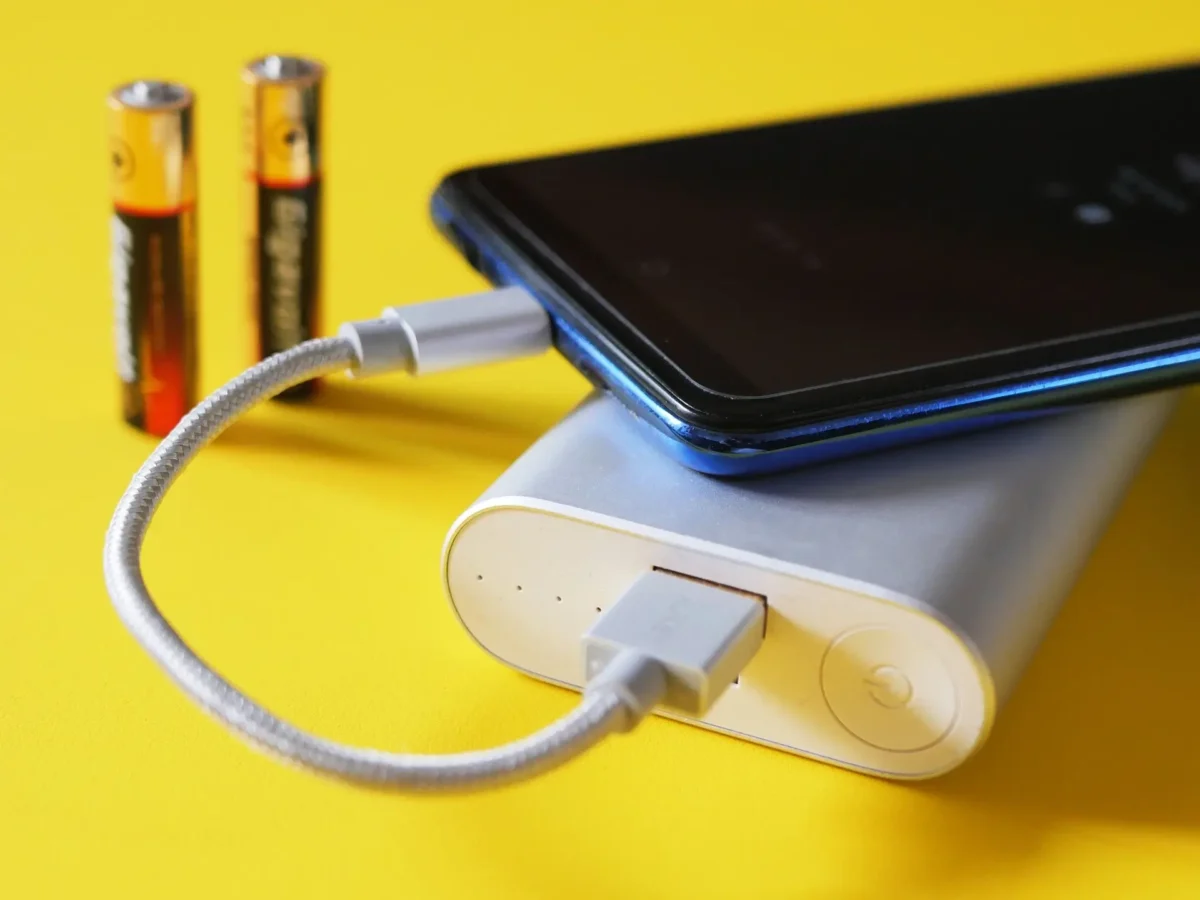
Pixel 9 Pro Battery Problem : Google’s Pixel 9 Pro (US) has a lot to love — a stunning display, powerful Tensor G4 chip, and one of the best cameras on any Android phone. But for many users, one thing is ruining the experience: battery drain. Since the October update, Pixel 9 Pro owners have noticed their phones losing charge much faster than usual — even when idle. Some users say the battery drops 20–30% overnight, while others report heating issues or slow charging.
If your Pixel 9 Pro battery is dying faster than you can breathe, you’re not alone. In this article, we’ll explain why this happens, what you can do to fix the problem, and how to maintain your battery for optimal health.
📌[Also Read] — “Pixel 9 Battery Drain Issue Fix” ⇒ “Pixel 9 Display Looks Dull Fix“👈
1. Understanding the Pixel 9 Pro Battery Problem :
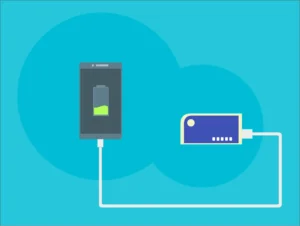
The Pixel 9 Pro has a 5050 mAh battery, which will definitely last for a day. But a number of people on Reddit, Google Support forums, and Android Authority are complaining about poor battery life following recent software updates.
Most complaints include:
- The battery drains quickly even with light usage.
- The phone feels warm during normal use.
- The screen-on time dropped from 7–8 hours to 4–5 hours.
- Overnight standby drain is unusually high.
So, what exactly changed? Let’s break down the main causes.
2. Causes Behind the Battery Drain?🤔
A. Software Updates and Bugs :🐞
After the October 2025 update, many users noticed immediate battery drain.
This often happens because system updates temporarily disrupt background optimization. New software versions sometimes have poorly optimized code that keeps background tasks active longer than intended.
Apps may also re-sync data, rebuild caches, or re-learn user patterns — all of which consume more battery during the first few days after an update.
B. Tensor G4 Processor Heat :
The Tensor G4 chip offers improved AI and camera performance, but it’s known for running hot under heavy tasks.
When the processor heats up, the system uses extra power for cooling and thermal management — draining the battery even faster.
If you notice heat while browsing, using the camera, or scrolling social media, the chip may be running at high clock speeds unnecessarily.
C. Background Apps and Notifications :
A lot of users don’t realize how much battery background apps use.
Apps such as Instagram, TikTok, Reddit and Snapchat are continually retrieving new information and activating sensors. Battery drain also increases when several apps do this.
Notifications, location tracking and the constant 120Hz refresh rate contribute even more strain.
D. Adaptive Battery Glitches :
Google’s Adaptive Battery feature learns your usage pattern to save energy. But after updates, it can “forget” its learned behavior.
Until it re-learns your habits (which can take several days), your phone might keep power-hungry apps running in the background unnecessarily.
E. Display Brightness and Refresh Rate :
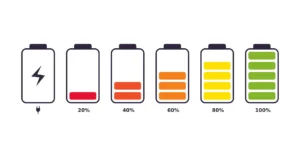
Pixel 9 Pro boasts a beautiful 120Hz LTPO OLED display. But high brightness, HDR content, and maximum refresh rate can drain battery fast — particularly when you are outdoors or watching videos.
F. Poor Network or Signal Strength :
When 5G or Wi-Fi signals are weak your Pixel 9 Pro has to work harder to maintain a connection.
This continuous radio exchange also puts stress on the modem and the processor, which makes them consume more power and can cause overheating.
3. How to Check What’s Draining Your Battery :🔋
Before you fix the problem, you need to know what’s causing it.
Here’s how you can check:
- Open Settings → Battery → Battery Usage.
- You’ll see which apps or services are consuming the most power.
Pay special attention to apps like Google Services, Photos, or Android System — if they’re high on the list, that’s your clue.
If an app you rarely use appears at the top, it might be stuck in the background consuming resources.
4. Quick Fixes for Pixel 9 Pro Battery Drain :🔥
A. Restart Your Phone :
- A simple restart often fixes temporary bugs.
- Press and hold the Power button → Restart.
- This clears background processes and resets thermal controls.
B. Update Your Apps :
- Open the Play Store → Manage Apps & Device → Update All.
- Outdated apps can misbehave after a system update, causing hidden battery drain.
C. Optimize Background Usage :
- Go to Settings → Battery → Battery Saver → Adaptive Preferences.
- Turn on Adaptive Battery and Battery Saver Mode.
- You can also manually restrict apps:
- Go to Settings → Apps → See All Apps → Battery → Restricted.
- Restrict apps like social media or games that you don’t need running constantly.
D. Disable Always-On Display :
- While convenient, Always-On Display constantly refreshes pixels and sensors.
- Go to Settings → Display → Lock Screen → Always Show Time and Info → Off.
E. Turn Off Unused Connectivity :
- If you’re not using them, turn off:
- Bluetooth
- NFC
- Mobile Hotspot
- Nearby Share
- Each one adds to your phone’s idle battery consumption.
F. Limit Location Permissions :
- Go to Settings → Location → App Permissions.
- Change unnecessary apps to “Allow only while using.”
- Avoid giving background location access unless absolutely necessary.
G. Disable 5G (If Signal Is Weak) :
- If your area has poor 5G coverage, switch to 4G LTE:
- Settings → Network & Internet → SIMs → Preferred Network Type → 4G.
- This can dramatically reduce heat and battery usage.
H. Reduce Refresh Rate :
- Go to Settings → Display → Smooth Display → Off.
- Your screen will drop to 60Hz — slightly less smooth but noticeably better for battery life.
I. Check for Rogue Apps
Sometimes, an app update introduces bugs. Try uninstalling recently installed or updated apps one by one to see if the issue improves.
📌[Must Read] — “Pixel 9 Camera Overheat Problem Fix“👈
5. Advanced Fixes :🔒
A. Reset Adaptive Battery :
- Go to Settings → Battery → Battery Usage → Reset Adaptive Battery.
- This clears old learning data and helps your phone start fresh.
B. Clear Cache Partition :
Over time, system cache can cause performance and battery issues.
To clear it:
- Power off the device.
- Hold Power + Volume Down → Select Recovery Mode.
- Use volume keys to navigate → Select Wipe Cache Partition.
- Reboot your device.
C. Uninstall Battery-Heavy Apps :
If your usage report reveals that several apps are gobbling up the bulk of your power, you might want to uninstall them or exchange them for lighter alternatives.
For example:
- Use Lite versions of social apps.
- Use Brave or Opera browser for better battery optimization instead of Chrome.
D. Factory Reset (Last Resort) :
If the problem is stubborn and nothing helped:
- Back up your data.
- Go to Settings → System → Reset options → Erase all data (factory reset).
- This can eliminate software bugs causing abnormal drain.

6. What Users Are Saying? (Real Experiences) :😄
Many users on Reddit’s r/GooglePixel forum shared their experiences:
- “After the October patch, my Pixel 9 Pro battery drops 20% overnight even in idle.”
- “Turning off 5G and Adaptive Brightness improved battery life.”
- “After a week of learning, Adaptive Battery started working again and now I get 7 hours of screen-on time.”
The pattern is clear: battery drain spikes right after an update, but optimizing settings and giving the phone a few days to adapt usually helps.
7. Google’s Response and Upcoming Fixes :📈
Google has not yet confirmed a resolution for the Pixel 9 Pro battery matter, but there are some internal updates on the Android Issue Tracker, which state that engineers are looking into power efficiency issues.
The November 2025 security patch is expected to include minor performance and battery optimizations.
Google has a strong record of addressing these issues — similar drain problems on the Pixel 7 and 8 were fixed within a month of user reports.
8. Tips to Maximize Pixel 9 Pro Battery Life :😀
Here are some useful everyday habits that can help extend the lifespan of your phone:
- Don’t charge to 100% for everyday use, stop at 85-90%.
- Keep your phone cool — Heat is the number one battery killer. Use original or certified chargers only.
- Don’t use your phone heavily while charging.
- Enable Dark Theme to reduce display power draw.
- Turn off haptic feedback if not needed.
- These small changes add up and help your Pixel 9 Pro battery stay healthy for years.
📌[Don’t Miss] — “See our Samsung Galaxy S25 Ultra Review (US)”👈

9. When to Contact Support :🤔
If your Pixel 9 Pro:
- Overheats even when idle,
- Loses more than 20% battery in one hour of light use, or
- Shuts down unexpectedly at 10–20% charge,
- then contact Google Support or visit a nearby authorized service center.
- Hardware defects, such as a faulty battery cell or power management chip, can cause severe drain — and Google usually replaces such units under warranty.
Conclusion :🙌
The Pixel 9 Pro battery problem is frustrating, but in most cases, it’s software-related, not a sign of hardware failure.
Recent updates, background apps, or misbehaving settings can all play a role — but the fixes are straightforward.
If you implement these tricks — covering from battery setting optimization to background activity management — you can get back with your Pixel 9 Pro the excellent battery life and performance.
Keep in mind, your phone normally takes a while maybe a few days, to re-learn your habits after major updates. Just be patient, keep your system updated and your Pixel 9 Pro will shortly be as snappy as Google intended it to be.
🔗
📌”Check the official Google Pixel 9 Pro product page (U.S.) here.”👈
“FAQ/s”😀
1 Q. How good is the Pixel 9 Pro’s processor—are lag and heating issues real?
Ans. Tensor G4 chip handles daily tasks smoothly, minor warming occurs under heavy use.
2 Q. What’s the battery life and charging speed on the Pixel 9 Pro for US users?
Ans. 4,700 mAh battery lasts a full day, supports up to 45 W fast wired charging.
3 Q. How is the display and build quality of the Pixel 9 Pro?
Ans. 6.3″ LTPO OLED display, premium glass‑metal build, solid feel, durable but not drop-proof.
4 Q. What’s the camera performance of the Pixel 9 Pro according to US users?
Ans. 50 MP main sensor takes sharp daylight shots, low-light is good with minor drops.

7 thoughts on “Google Pixel 9 Pro Battery Problem? Real Causes & Easy Fixes Revealed! ⚡ (US)”